
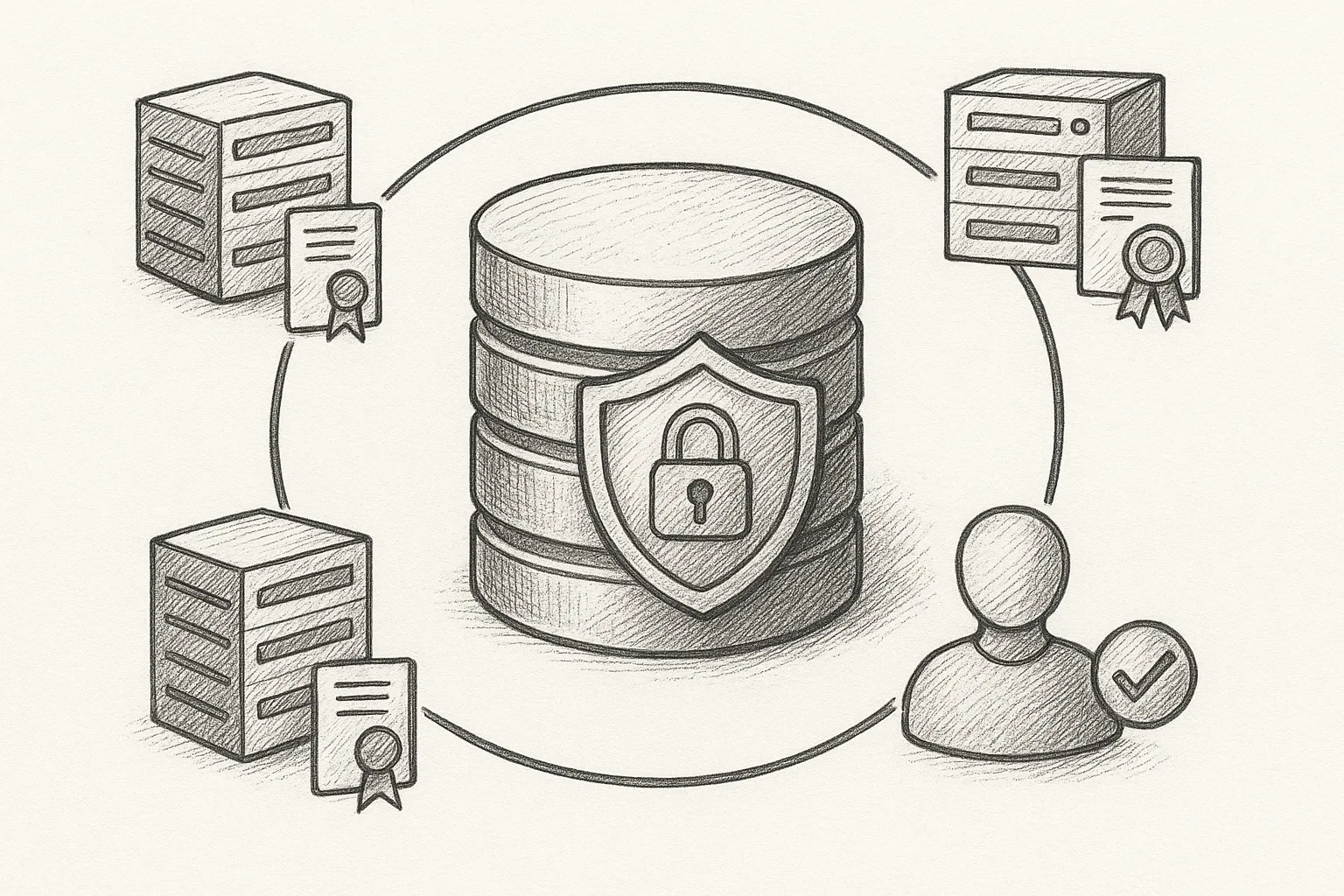
Securing a MySQL InnoDB Cluster is more than turning on SSL. You need encrypted transport, hardened accounts, and tight permissions across all nodes. This guide walks through the essentials in a practical, step-by-step way.
Security model for InnoDB Cluster
InnoDB Cluster is built on three main components: MySQL Server with InnoDB, Group Replication, and MySQL Router. Each piece must be secured.
Clients  --SSL-->  MySQL Router  --SSL-->  Primary/Replica Nodes
                             |--SSL-->  Group Replication traffic
Think about security in three layers:
- Transport: SSL/TLS between all participants.
- Identity: Users and passwords for clients, routers, and internal replication.
- Authorisation: Permissions limited to what each account really needs.
Preparing SSL for the cluster
You can use a proper CA or a local CA. The important part is that all nodes and routers trust the same CA and use certificates correctly.
1. Create a local certificate authority
On a secure admin host (not necessarily a cluster node), create a simple CA. Example on Rocky Linux/RHEL:
mkdir -p /opt/mysql-ca
cd /opt/mysql-ca

openssl genrsa -out ca-key.pem 4096
openssl req -new -x509 -nodes -days 3650 \
  -key ca-key.pem -out ca-cert.pem \
  -subj "/C=GB/ST=London/L=London/O=Example/OU=DBA/CN=MySQL-CA"
Keep ca-key.pem private and off the database nodes.
2. Generate server certificates per node
For each MySQL node (repeat with appropriate hostnames):
NODE=db1.example.com

openssl genrsa -out ${NODE}-key.pem 4096
openssl req -new -key ${NODE}-key.pem -out ${NODE}.csr \
  -subj "/C=GB/ST=London/L=London/O=Example/OU=DBA/CN=${NODE}"

openssl x509 -req -in ${NODE}.csr -days 365 \
  -CA ca-cert.pem -CAkey ca-key.pem -CAcreateserial \
  -out ${NODE}-cert.pem
Copy the following to each corresponding node under /etc/mysql/ssl (or similar) with strict permissions:
ca-cert.pem${NODE}-cert.pem${NODE}-key.pem
Configuring MySQL servers for SSL
Edit /etc/my.cnf (or a file under /etc/my.cnf.d/) on each node. Use node-specific file names for the cert and key.
[mysqld]
ssl-ca=/etc/mysql/ssl/ca-cert.pem
ssl-cert=/etc/mysql/ssl/db1.example.com-cert.pem
ssl-key=/etc/mysql/ssl/db1.example.com-key.pem
require_secure_transport=ON
Restart MySQL on each node:
sudo systemctl restart mysqld
Verify SSL is available:
mysql -u root -p -e "SHOW VARIABLES LIKE 'have_ssl';"
The value should be YES.
Securing Group Replication traffic
Group Replication can use the same certificates to encrypt traffic between nodes.
1. Configure Group Replication SSL
On each node, add:
[mysqld]
# existing SSL options...

# Group Replication SSL
group_replication_ssl_mode=REQUIRED
group_replication_recovery_use_ssl=ON
Restart MySQL again. Then, in MySQL, confirm the settings:
SHOW VARIABLES LIKE 'group_replication_ssl%';
SHOW VARIABLES LIKE 'group_replication_recovery_use_ssl';
Ensure Group Replication is configured to use hostnames that match your certificate CNs or SANs.
Hardening MySQL user accounts
Many clusters are built quickly with overly broad accounts. Clean this up early.
1. Remove anonymous and wildcard accounts
Connect as an administrative user and inspect accounts:
SELECT user, host FROM mysql.user ORDER BY user, host;
Remove unused or dangerous accounts. Be careful not to remove legitimate application users.
DROP USER ''@'localhost';
DROP USER ''@'%';
Always double-check user and host before dropping accounts, especially on production systems.
2. Enforce strong passwords
Enable a password validation plugin and policy:
INSTALL PLUGIN validate_password SONAME 'validate_password.so';

SET PERSIST validate_password.policy = 'MEDIUM';
SET PERSIST validate_password.length = 12;
Adjust the policy according to your security requirements and compliance rules.
3. Require SSL for sensitive accounts
For application, admin, and replication accounts, require SSL:
CREATE USER 'app_user'@'10.0.0.%'
  IDENTIFIED BY 'StrongPassw0rd!'
  REQUIRE SSL;

ALTER USER 'dba'@'%' REQUIRE SSL;
Use REQUIRE X509 if you want to enforce client certificate authentication as well as encryption.
Designing least-privilege permissions
In an InnoDB Cluster, you typically need three types of accounts:
- Application users.
- Administrative (DBA) users.
- Internal/automation users (Group Replication, backups, monitoring).
1. Application users
Application users should have only the rights they need on specific schemas:
CREATE USER 'app_user'@'10.0.0.%'
  IDENTIFIED BY 'StrongPassw0rd!'
  REQUIRE SSL;

GRANT SELECT, INSERT, UPDATE, DELETE
  ON appdb.* TO 'app_user'@'10.0.0.%';
Avoid granting global privileges such as SUPER, SHUTDOWN, or FILE to application accounts.
2. DBA and operational users
DBA accounts need powerful privileges, but you can still avoid unnecessary rights.
CREATE USER 'dba'@'10.0.0.%'
  IDENTIFIED BY 'AnotherStrongPass!'
  REQUIRE SSL;

GRANT ALL PRIVILEGES ON *.* TO 'dba'@'10.0.0.%' WITH GRANT OPTION;
Use such wide privileges only for a small, audited set of users. For operations like backup, create dedicated accounts:
CREATE USER 'backup'@'10.0.0.%'
  IDENTIFIED BY 'BackupStr0ng!'
  REQUIRE SSL;

GRANT RELOAD, PROCESS, LOCK TABLES, REPLICATION CLIENT
  ON *.* TO 'backup'@'10.0.0.%';
3. Group Replication and Router users
Group Replication uses internal accounts for recovery and state transfer. Use the InnoDB Cluster setup tooling or create dedicated accounts with limited rights.
CREATE USER 'repl'@'10.0.0.%'
  IDENTIFIED BY 'ReplStr0ng!'
  REQUIRE SSL;

GRANT REPLICATION SLAVE, BACKUP_ADMIN
  ON *.* TO 'repl'@'10.0.0.%';
For MySQL Router, create a routing user with only the privileges required by the router bootstrap or metadata operations, typically limited to the mysql_innodb_cluster_metadata schema if used.
Locking down MySQL Router
MySQL Router often sits between clients and the cluster, so it must be secured as well.
1. Configure Router SSL to clients and servers
On the Router host, place a certificate and key signed by the same CA. In the Router configuration (for example, /etc/mysqlrouter/mysqlrouter.conf):
[routing:read_write]
bind_address = 0.0.0.0
bind_port = 6446
protocol = classic
ssl = required
ssl_key = /etc/mysqlrouter/ssl/router-key.pem
ssl_cert = /etc/mysqlrouter/ssl/router-cert.pem
ssl_ca = /etc/mysqlrouter/ssl/ca-cert.pem
[routing:read_only]
bind_address = 0.0.0.0 bind_port = 6447 protocol = classic ssl = required ssl_key = /etc/mysqlrouter/ssl/router-key.pem ssl_cert = /etc/mysqlrouter/ssl/router-cert.pem ssl_ca = /etc/mysqlrouter/ssl/ca-cert.pem
Ensure Router connects to the MySQL nodes using ssl_mode=PREFERRED or stronger, depending on your policy.
2. Restrict Router access
Use host-based firewalls on Rocky Linux/RHEL to allow only known client networks to the Router ports:
sudo firewall-cmd --permanent --add-rich-rule='\
  rule family="ipv4" source address="10.0.0.0/24" \
  port protocol="tcp" port="6446" accept'

sudo firewall-cmd --reload
Repeat for other ports as needed.
Operational best practices
Security is not a one-time configuration. You need ongoing checks.
- Rotate certificates before expiry and when staff or infrastructure changes.
- Rotate passwords regularly, especially for high-privilege accounts.
- Audit
mysql.userandinformation_schema.user_privilegesfor unexpected grants. - Log and monitor failed logins and privilege changes.
- Use configuration management (Ansible, etc.) to enforce consistent SSL and user settings across nodes.
Insecure defaults are easy to deploy but expensive to fix. Make secure configuration your starting point, not an afterthought.
Practical DBA advice
This article offers general technical guidance. Validate all configurations in a safe environment before applying them to production.
By combining SSL everywhere, hardened user accounts, and strict least-privilege permissions, you can run MySQL InnoDB Cluster with a strong security baseline that is maintainable and auditable over time.
Leave a Reply