
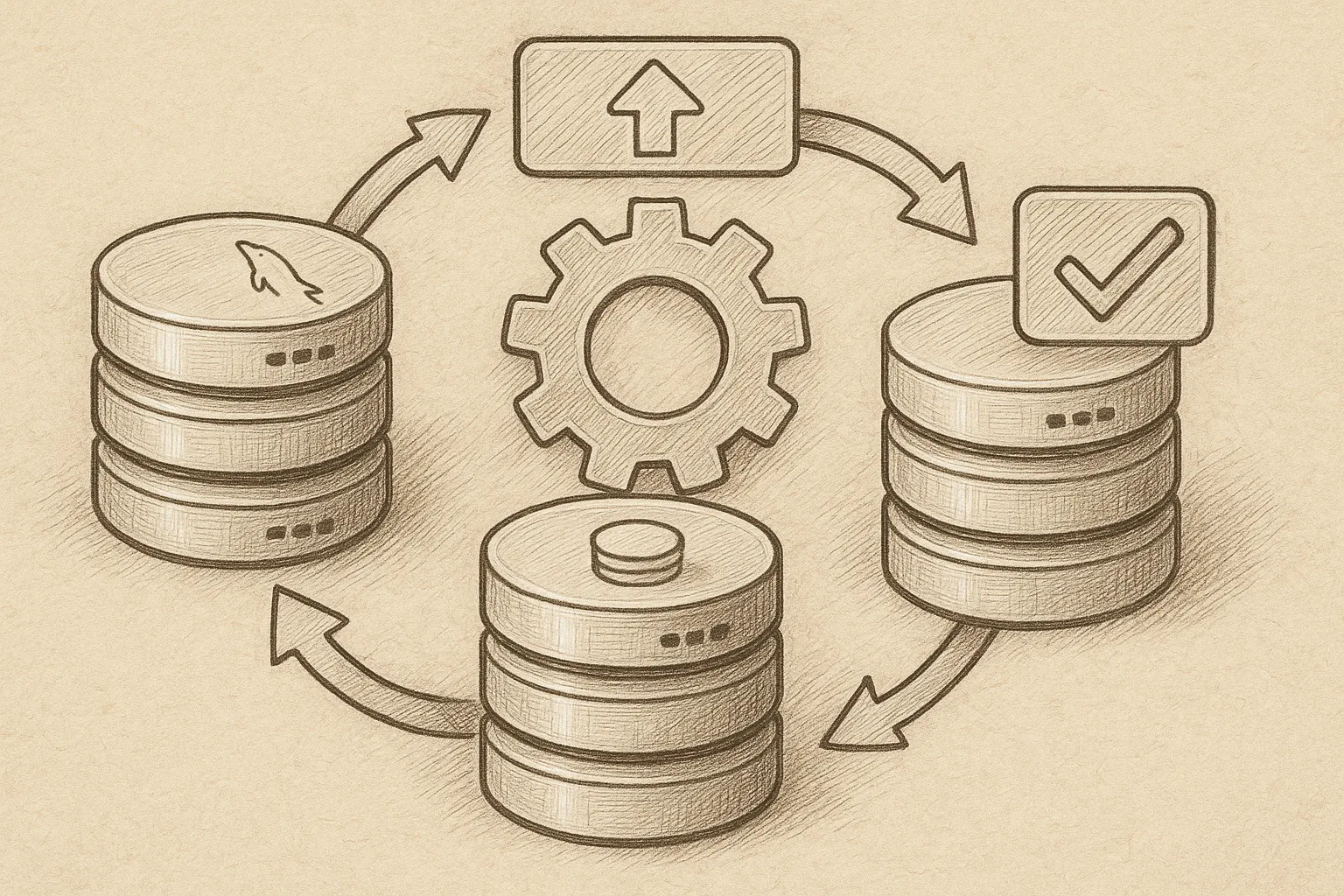
Upgrading a MySQL InnoDB Cluster without disrupting applications is achievable if you plan the process, control traffic routing, and upgrade nodes in a safe order.
Core idea: rolling upgrade with controlled routing
The basic pattern is:
- Keep the cluster running at all times.
- Temporarily drain traffic from one node.
- Upgrade that node, validate it, then return it to the cluster.
- Repeat for all nodes, including the primary.
At a high level, the flow looks like this:
Before upgrade:              During rolling upgrade:

  App traffic                 App traffic
      |                           |
+-------------+              +-------------+
| MySQL Router|              | MySQL Router|
+------+------+              +------+------+
       |                            |
  +----+----+                  +----+----+
  |Primary |  <-- writes       |Primary |  (old)
  +----+---+                  +----+---+
       |                            |
  +----+----+  +----+----+     +----+----+  +----+----+
  |Replica1|  |Replica2|       |Replica1|  |Replica2| (upgraded)
  +---------+  +-------+       +---------+  +--------+
The router (or your own proxy/load balancer) is the key to keeping sessions away from nodes while they are being upgraded.
Pre-upgrade checks and preparation
1. Confirm cluster health
Before touching versions, ensure the InnoDB Cluster is fully healthy. From your MySQL Shell (JS mode):
shell.connect('admin@cluster-primary:3306')
var cluster = dba.getCluster('prodCluster')
cluster.status()
Verify:
- All members are ONLINE.
- Replication mode is as expected (usually Single-Primary).
- There is no ongoing recovery or lag.
2. Check version compatibility
Upgrades must follow a supported path. Read the official MySQL documentation for your current and target versions and verify:
- The upgrade path is supported (e.g. no major version jumps that are disallowed).
- All plugins and authentication methods exist in the target version.
- Any deprecated configuration options you use are either removed or replaced.
On each node, record the current version:
SELECT VERSION();3. Backup and rollback strategy
Zero downtime does not mean zero risk. You still need a backup and rollback plan.
- Take a full physical backup of at least one node using your standard tool (e.g. Percona XtraBackup or MySQL Enterprise Backup).
- Test restoring that backup to a separate host to confirm it is valid.
- Document how to rebuild a cluster member from backup if the upgrade fails.
A zero-downtime upgrade is only as good as the rollback plan you never have to use.
DBA proverb
4. Verify Router / proxy configuration
Your routing layer must be able to:
- Stop sending traffic to a specific node (drain or disable).
- Separate read-write and read-only traffic if needed.
- Fail over cleanly if the primary changes.
If you use MySQL Router, ensure it is deployed with metadata-based configuration pointing at your cluster. For other proxies (HAProxy, ProxySQL, etc.), make sure you understand how to mark a backend as out of rotation without dropping existing sessions prematurely.
Upgrade strategy overview
The recommended order is:
- Upgrade one secondary (replica) node.
- Upgrade remaining secondary nodes.
- Fail over to an upgraded secondary and upgrade the old primary last.
- Finally, upgrade MySQL Router or other proxies if needed.
This ensures you always have a working primary on the old version until at least one upgraded node is fully validated.
Step-by-step: upgrading a secondary node
1. Drain traffic from the target secondary
Pick a secondary node (for example, replica2) and remove it from your routing layer:
- In MySQL Router: adjust configuration or metadata so it no longer advertises that node for new connections.
- In other proxies: mark the backend as draining or disabled.
Wait for active sessions on that node to drop to zero or an acceptable minimum. You can monitor with:
SELECT COUNT(*) FROM information_schema.PROCESSLIST
WHERE USER NOT IN ('system user', 'mysql.session', 'mysql.sys');
2. Stop MySQL on the secondary
On RHEL/Rocky Linux, stop the MySQL service cleanly:
sudo systemctl stop mysqldConfirm it is down:
sudo systemctl status mysqld3. Upgrade MySQL packages
Upgrade MySQL using your standard package repository for the target version. Example using dnf (adapt to your packaging layout):
sudo dnf clean all
sudo dnf update mysql-server mysql-community-*
Review the output carefully for conflicts or removed packages. Resolve any dependency issues before proceeding.
4. Review configuration changes
Check /etc/my.cnf and any included files for options that may have changed semantics or been removed in the new version. Pay attention to:
innodb_flush_log_at_trx_commit,sync_binlog, and other durability-related options.- Replication options like
binlog_format,gtid_mode,enforce_gtid_consistency. - Authentication or SSL/TLS options.
Do not remove safety-related options (e.g. GTID enforcement) unless you fully understand the consequences.
5. Start MySQL and run post-upgrade checks
Start the upgraded node:
sudo systemctl start mysqldCheck the error log for upgrade messages and confirm there are no critical errors or unexpected warnings.
Connect and verify the version and replication status:
SELECT VERSION();
SHOW SLAVE STATUS\G   -- For traditional replication metadata
SELECT * FROM performance_schema.replication_group_members;
From MySQL Shell, confirm the cluster sees the member as online and compatible:
cluster.status()Once you are satisfied, re-enable this node in your routing layer so it can take read-only traffic. For safety, avoid sending writes to upgraded secondaries until the primary is also upgraded or you have explicitly tested cross-version behaviour.
Upgrading the primary with zero downtime
1. Promote an upgraded secondary
When at least one secondary is successfully upgraded and stable, you can switch the primary role. Using MySQL Shell:
var cluster = dba.getCluster('prodCluster')
cluster.status()
cluster.setPrimaryInstance('replica2:3306')
Confirm that the new primary is the upgraded node. Your routing layer should automatically follow metadata changes if using MySQL Router. For other proxies, update the primary backend manually.
2. Drain and upgrade the old primary
Once traffic is flowing to the new primary, drain the old primary from the routing layer exactly as you did with the secondary:
- Disable it for new connections.
- Wait for active client sessions to complete.
Then stop MySQL, upgrade packages, adjust configuration, and restart, following the same steps used for the secondary node.
3. Optional: switch primary back
If you prefer your original host to remain the primary, you can switch back after validating the upgraded cluster:
cluster.setPrimaryInstance('old-primary:3306')However, many teams simply keep the newly promoted node as the long-term primary to avoid unnecessary failovers.
Upgrading MySQL Router and other components
After all cluster members are running the new version, upgrade MySQL Router and any other MySQL-related tooling.
- Upgrade the Router packages on each Router host.
- Restart Router instances one by one to avoid impact on clients.
- Validate that Router still discovers the cluster and routes read-write vs read-only traffic correctly.
During Router upgrades, ensure your application uses multiple Router endpoints or has retry logic so that a single Router restart does not interrupt service.
Validation and post-upgrade checks
1. Functional validation
Run a targeted application smoke test:
- Basic CRUD operations.
- Critical workflows (logins, payments, key reports).
- Background jobs or batch processes that use the database.
Watch error logs on both the application and database sides for new warnings or failures.
2. Performance and replication checks
Monitor performance metrics for at least one normal workload cycle:
- Query latency and throughput.
- Replica lag (transaction apply delay).
- CPU, memory, and I/O utilisation.
If you see regressions, compare configuration and execution plans before and after the upgrade. Use EXPLAIN and slow query logs to identify changes in optimiser behaviour.
3. Clean-up tasks
Once you are confident in the new version:
- Update documentation to reflect new versions and configuration.
- Remove any temporary settings used only during the upgrade.
- Retire old backups once new, post-upgrade backups are created and tested.
Best practices for future zero-downtime upgrades
- Standardise configuration: keep node configs as similar as possible to reduce surprises during rolling upgrades.
- Automate: use scripts or configuration management (Ansible, Puppet, etc.) to perform consistent upgrade steps across nodes.
- Stagger upgrades: do not rush. Upgrade one node at a time, observe, then continue.
- Test on a staging cluster: mirror production topology and run a full rehearsal, including failover and rollback.
- Communicate: even with zero downtime, inform stakeholders and have engineers on call during the change window.
This article offers general technical guidance. Validate all configurations in a safe environment before applying them to production.
With careful planning, strict routing control, and disciplined validation, you can upgrade an existing InnoDB Cluster with effectively zero downtime while keeping both data integrity and application availability intact.
Leave a Reply