
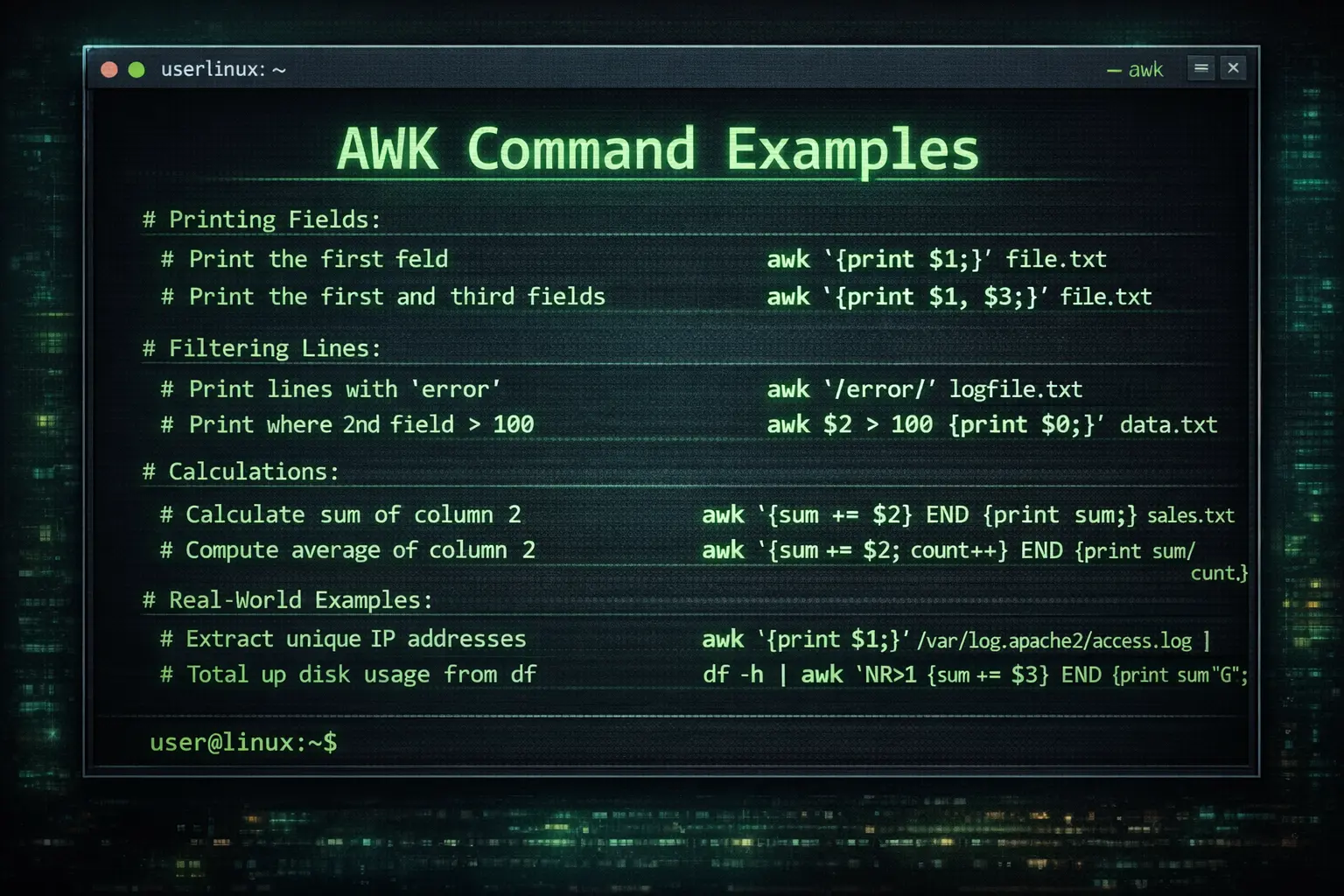
AWK is one of the most powerful text-processing tools available on Unix and Linux systems. Named after its creators — Aho, Weinberger, and Kernighan — it is both a command and a lightweight programming language designed for pattern scanning and data manipulation. Whether you’re analyzing logs, transforming CSVs, or generating reports, mastering AWK will make you far more efficient on the command line.
🧩 1. AWK Basics — Structure and Syntax
An AWK command typically follows this pattern:
awk 'pattern { action }' input_file- pattern — defines when to apply the action
- action — defines what to do (e.g., print, sum, modify)
AWK reads input line-by-line, splits each line into fields using a delimiter (default: whitespace), and executes the specified actions.
📋 2. Printing Fields and Lines
# Print the entire line
awk '{ print }' file.txt

# Print the first field (column)
awk '{ print $1 }' file.txt

# Print the first and third fields separated by a dash
awk '{ print $1 "-" $3 }' file.txt
Fields are automatically assigned variables $1, $2, etc. $0 represents the entire line.
🔍 3. Using Patterns and Conditions
# Print lines containing the word "error"
awk '/error/' logfile.txt

# Print lines where the third field equals "root"
awk '$3 == "root" { print $0 }' /etc/passwd

# Print lines where the second field is greater than 100
awk '$2 > 100 { print $1, $2 }' data.txt
🧮 4. Built-in Variables
NR   - Current record (line) number
NF   - Number of fields in the current line
FS   - Field separator (input)
OFS  - Output field separator
RS   - Record separator (input)
ORS  - Output record separator
Example:
# Print the number of fields for each line
awk '{ print "Line " NR " has " NF " fields." }' file.txt
🧰 5. Changing Field Separators
# Use a comma as input field separator
awk -F, '{ print $1, $2 }' data.csv

# Use colon and change output field separator to a tab
awk -F: 'BEGIN { OFS = "\t" } { print $1, $3 }' /etc/passwd
⚙️ 6. BEGIN and END Blocks
awk 'BEGIN { print "=== Start Processing ===" }
     { print $1, $2 }
     END { print "=== Done ===" }' data.txt
📊 7. Calculations and Aggregation
# Calculate sum of the second column
awk '{ sum += $2 } END { print "Total:", sum }' sales.txt

# Compute average
awk '{ sum += $2; count++ } END { print "Average:", sum/count }' sales.txt

# Find maximum value
awk 'NR==1 || $2 > max { max = $2 } END { print "Max:", max }' data.txt
🧠 8. Conditional Logic and Formatting
# Print messages based on conditions
awk '{ if ($3 > 80) print $1, "Pass"; else print $1, "Fail" }' scores.txt

# Use printf for formatted output
awk '{ printf "%-10s %-5d\\n", $1, $2 }' data.txt
📚 9. Real-World Examples
# Extract unique IPs from Apache logs
awk '{ print $1 }' /var/log/apache2/access.log | sort | uniq

# Calculate total disk usage from df output
df -h | awk 'NR>1 { sum += $3 } END { print "Total Used:", sum "G" }'

# Print usernames of users with UID > 1000
awk -F: '$3 >= 1000 { print $1 }' /etc/passwd
🚀 10. Writing AWK Scripts
#!/usr/bin/awk -f
BEGIN { FS=","; OFS=" | " }
{
  total = $2 * $3
  print $1, total
}
END { print "Processing complete." }
🧩 11. Advanced Tricks
# Match lines between two patterns
awk '/START/,/END/' file.txt

# Replace strings
awk '{ gsub(/foo/, "bar"); print }' file.txt

# Merge multiple files and print only unique lines
awk '!seen[$0]++' file1 file2
🎯 Conclusion
AWK is a cornerstone of Unix text processing. Its expressive syntax and built-in arithmetic and pattern capabilities make it invaluable for system administrators, data analysts, and developers alike. Once you get comfortable with its syntax, you’ll find yourself reaching for AWK whenever you need to manipulate text or extract data quickly and elegantly.
Start small — try printing and filtering. Then move toward data aggregation, formatting, and scripting. The more you use AWK, the more powerful it becomes.