
Series: Learning AI
Phase 1: AI Foundations — Part 7 of 60
Introduction
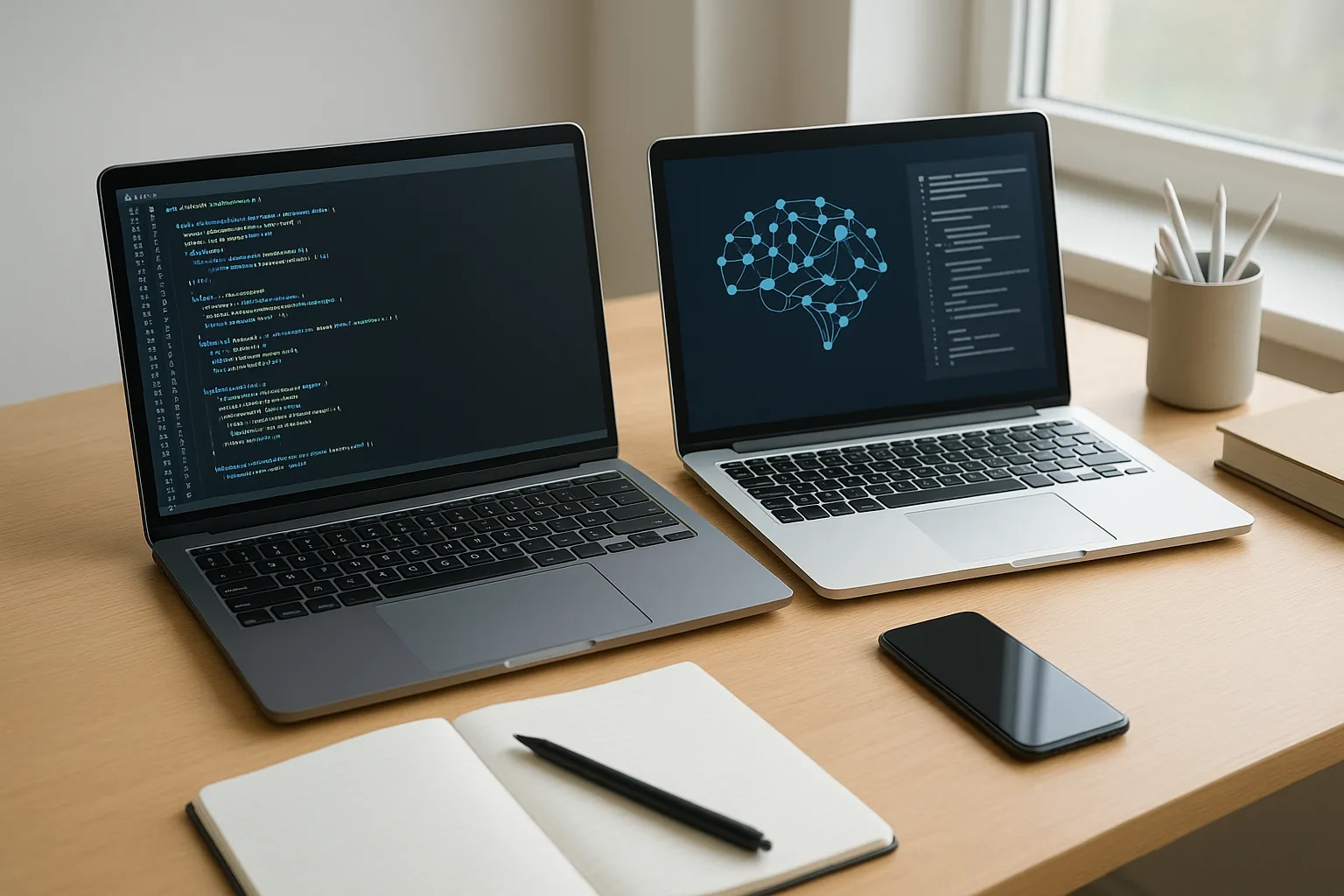
Welcome back to our “Learning AI” series! In the previous post, we explored foundational AI concepts that set the stage for your journey. Today, we tackle a practical challenge many learners face: how to choose the right laptop and tools to study AI on a budget. You don’t need an expensive machine to start learning AI effectively. With smart choices and the right setup, you can build a solid foundation without overspending.
Why Your Laptop Matters for Learning AI
AI learning often involves coding, running simulations, and sometimes training models. While cloud computing is an option, having a capable laptop makes experimenting quicker and more convenient. It also allows you to practice offline and build projects at your own pace.
That said, not all AI tasks require high-end hardware. Early projects like learning Python, exploring machine learning frameworks, and running small models can be done on modest machines.
Key Laptop Features for AI Beginners
When choosing a laptop for AI, here are the most important specs to consider:
- Processor (CPU): A recent multi-core processor (Intel i5/i7 or AMD Ryzen 5/7) offers good performance for coding and running smaller AI models.
- Memory (RAM): At least 8GB of RAM is recommended. AI tasks can be memory-intensive, so more RAM helps with multitasking and handling larger datasets.
- Storage: An SSD (solid-state drive) of 256GB or more ensures fast boot times and quick data access.
- Graphics Card (GPU): While not mandatory for beginners, a dedicated GPU (like NVIDIA GTX series) can accelerate training deep learning models. However, for budget learners, integrated graphics often suffice initially.
- Operating System: Windows, macOS, or Linux all work well. Linux is popular in AI development but has a steeper learning curve.
- Portability and Battery Life: Useful if you want to learn on the go or without a constant power source.
Top Budget Laptops for AI Learning (2024)
Here are some laptops that balance price and performance, ideal for AI beginners progressing toward mid-level skills:
- Acer Swift 3 (AMD Ryzen 5): Offers strong CPU performance, 8GB RAM, 256GB SSD, and decent battery life for around $600-$700.
- Lenovo IdeaPad 3 (Intel i5, 11th Gen): Reliable everyday laptop with good specs and a comfortable keyboard, priced near $500-$650.
- Dell Inspiron 15 3000 (Intel i5, 12th Gen): Solid build, 8GB RAM, and upgradeable storage options, often found under $700.
- HP Pavilion x360: Convertible laptop with touch screen, suitable for note-taking and casual AI work, costing about $600-$750.
- Used or Refurbished Laptops: Look for certified refurbished models with i7 processors and 16GB RAM. This can save money while getting higher specs.
Remember, prices vary by region and retailer. Always check for student discounts or seasonal sales.
Essential Software and Tools for Budget AI Learners
Beyond hardware, your software choices matter. Here are free or low-cost tools that will empower your AI learning:
- Python: The most popular programming language for AI. Download from python.org. Easy to install and free.
- Anaconda Distribution: Comes with Python and many data science libraries pre-installed. Simplifies package management and environment setup.
- Jupyter Notebooks: Interactive coding environment perfect for experimenting and documenting your AI projects.
- Google Colab: A free cloud-based platform that lets you run Python notebooks with GPUs available. Great for training models beyond your laptop’s power.
- VS Code or PyCharm Community Edition: Popular code editors with AI-friendly plugins and debugging tools.
- Git and GitHub: Version control tools essential for managing code and collaborating.
- AI Frameworks: TensorFlow and PyTorch both offer free versions and extensive tutorials to get started.
Myth-Busting: Common Misconceptions About Hardware for AI
- Myth: “You need a super-powerful GPU to learn AI.” Reality: Beginners can start with a regular CPU and integrated graphics. Use cloud platforms like Google Colab when GPU power is needed.
- Myth: “MacBooks are the only reliable laptops for AI development.” Reality: Windows and Linux machines are equally capable, often at better price points.
- Myth: “More RAM is always better for beginners.” Reality: While 8GB is a solid minimum, you can optimize your workflow to work within these limits initially.
Action Steps: Setting Up Your Budget AI Learning Environment
- Evaluate your current laptop’s specs to see if it can support AI learning tools.
- Research and compare budget laptops based on the features listed above.
- Download and install Python and Anaconda to get started with coding and AI libraries.
- Explore Google Colab to supplement your laptop’s computing power for heavier tasks.
- Set up a simple project in Jupyter Notebook to practice coding and data manipulation.
- Join online AI communities and forums to get advice and share your progress.
- Plan upgrades or cloud subscriptions as you advance to mid-level AI projects.
Conclusion
Choosing the right laptop and tools doesn’t have to be expensive to be effective. By focusing on key specs like CPU, RAM, and SSD, and leveraging free software and cloud resources, you can build a strong AI learning setup on a budget. In the next post, we’ll dive deeper into practical AI coding exercises that you can try on your new system. Remember, consistent practice and curiosity are your greatest assets on this journey.
Previous: How to Choose Your First AI Project (Beginner Friendly)
Next: How to Install Python for AI: Step-by-Step for Absolute Beginners