
Series: Learning AI
Phase 6: Building AI Apps — Part 43 of 60
Introduction to RAG Chatbots
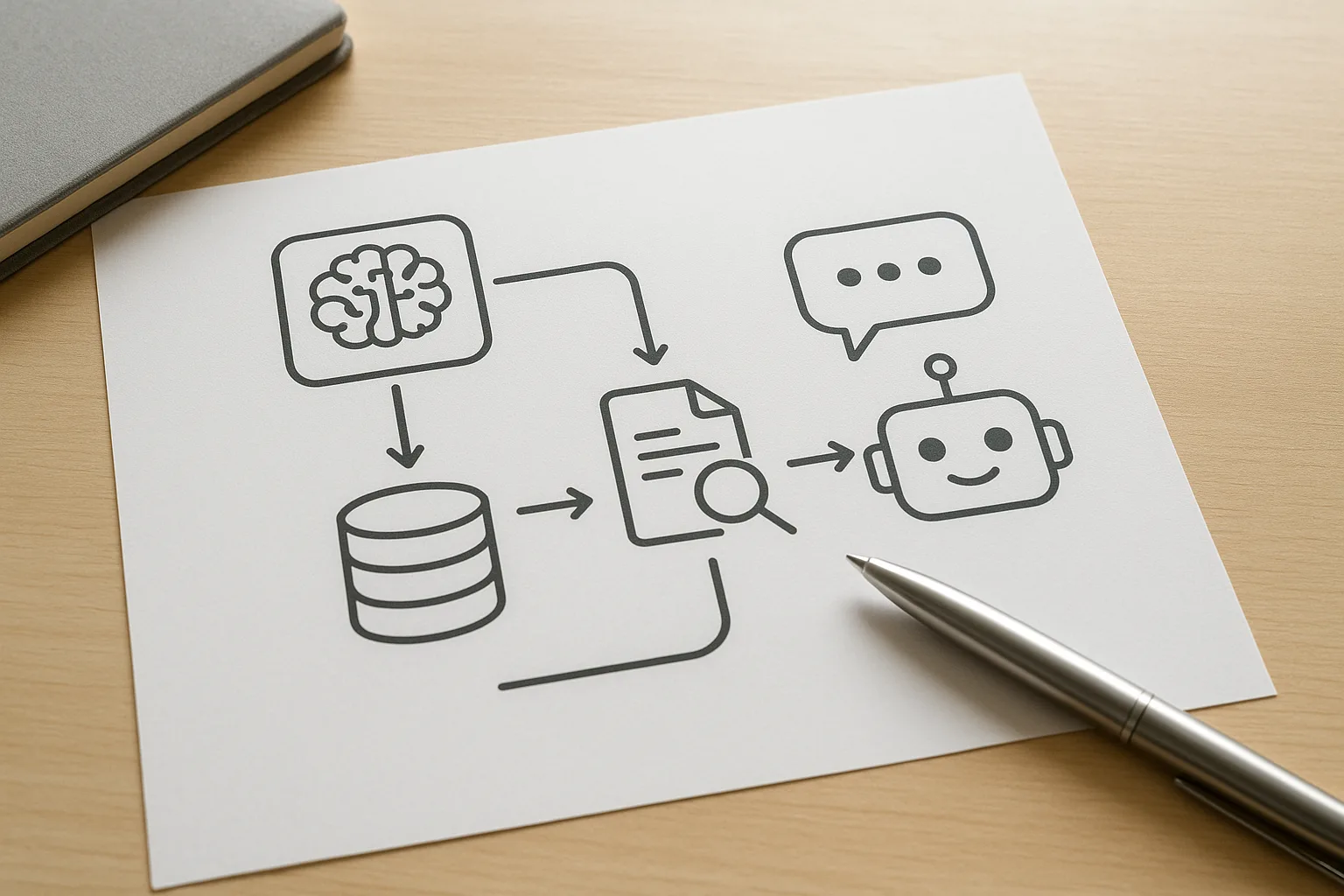
In our previous posts, we explored foundational AI concepts and basic chatbot development. Now, it’s time to level up by building a Retrieval-Augmented Generation (RAG) chatbot using open source models. RAG combines the power of retrieval-based systems and generative models to create chatbots that provide more accurate, context-aware, and informative responses.
This post will guide you through understanding RAG chatbots, setting up your environment, and building a simple RAG chatbot step-by-step. Whether you’re a beginner or moving towards mid-level AI skills, this practical approach will help you grasp key concepts and apply them immediately.
What is a RAG Chatbot?
Traditional chatbots rely either on retrieval-based methods (searching for the best matching response from a fixed set) or generative models (creating responses from scratch). RAG chatbots combine both:
- Retrieval: The bot searches a knowledge base or document collection to find relevant information related to the user’s query.
- Generation: A generative language model then uses the retrieved information to produce a coherent and contextually accurate response.
This hybrid approach improves the chatbot’s ability to handle complex, information-heavy interactions without needing huge amounts of training data.
Why Use Open Source Models?
Open source AI models offer several advantages:
- Cost-effective: No licensing fees or usage costs compared to proprietary APIs.
- Transparency: You can inspect, modify, and adapt the models for your needs.
- Community support: Open source projects often have active communities that help with troubleshooting and improvements.
Popular open source models for RAG include sentence-transformers for embedding and retrieval, and Hugging Face’s transformers for generation.
Step 1: Prepare Your Environment
Before coding, set up your development environment. You’ll need Python 3.7+ and some key libraries. Here’s a quick setup guide:
pip install transformers sentence-transformers faiss-cpu flask- Transformers: For loading pre-trained generative models.
- Sentence-Transformers: To create embeddings for retrieval.
- FAISS: Facebook AI Similarity Search for fast vector retrieval.
- Flask: To build a simple web interface for the chatbot.
Step 2: Create Your Knowledge Base
A RAG chatbot needs a source of knowledge to retrieve information. This can be a collection of documents, FAQs, or any text data relevant to your chatbot’s domain.
For example, if building a tech support chatbot, gather product manuals, help articles, and troubleshooting guides.
Once you have your documents, split them into smaller chunks (e.g., paragraphs or sections) to improve retrieval accuracy.
Generate Embeddings
Transform each chunk into a vector representation using a sentence-transformer model:
from sentence_transformers import SentenceTransformer

model = SentenceTransformer('all-MiniLM-L6-v2')
documents = ["Doc chunk 1 text", "Doc chunk 2 text", ...]
embeddings = model.encode(documents)
These embeddings allow semantic search, meaning the retrieval step finds the most relevant chunks based on meaning, not just keyword matching.
Step 3: Build the Retrieval System
Use FAISS to index your document embeddings for fast similarity search:
import faiss
import numpy as np

embedding_dim = embeddings.shape[1]
index = faiss.IndexFlatL2(embedding_dim)
index.add(np.array(embeddings))
When a user asks a question, embed it using the same model, then query the FAISS index to find the top relevant chunks:
query = "How to reset my device?"
query_embedding = model.encode([query])
D, I = index.search(np.array(query_embedding), k=3)  # top 3 results
relevant_docs = [documents[i] for i in I[0]]
Step 4: Generate Responses Using a Language Model
Now, feed the retrieved documents and the user’s question into a generative model. This helps the model produce an informed answer grounded in the retrieved context.
Here’s an example using Hugging Face’s transformers library with a smaller GPT-2 model:
from transformers import GPT2Tokenizer, GPT2LMHeadModel
import torch

tokenizer = GPT2Tokenizer.from_pretrained('gpt2')
model = GPT2LMHeadModel.from_pretrained('gpt2')

context = "
".join(relevant_docs)
input_text = f"Context: {context}
Question: {query}
Answer:"
inputs = tokenizer.encode(input_text, return_tensors='pt')

outputs = model.generate(inputs, max_length=200, do_sample=True, top_p=0.95, top_k=50)
answer = tokenizer.decode(outputs[0], skip_special_tokens=True)
print(answer)
This generates a response based on both the question and the retrieved context.
Step 5: Putting It All Together
To create a simple chatbot, wrap these steps into a function that takes user input, retrieves relevant info, and generates a response. Then build a lightweight web interface with Flask to interact with your bot.
Example Flask App Skeleton
from flask import Flask, request, jsonify

app = Flask(__name__)

@app.route('/chat', methods=['POST'])
def chat():
    user_query = request.json.get('query')
    # Steps: embed query, retrieve docs, generate answer
    # Return the answer as JSON
    return jsonify({'answer': answer})

if __name__ == '__main__':
    app.run(debug=True)
Integrate the retrieval and generation code inside the chat function to complete your simple RAG chatbot.
Myth Busting: Common Misconceptions About RAG Chatbots
- Myth 1: “RAG chatbots need massive datasets to work well.” Fact: Because RAG uses retrieval from a defined knowledge base, it can perform well with smaller, high-quality document collections.
- Myth 2: “Open source models are too weak compared to commercial APIs.” Fact: Many open source models have advanced rapidly and can be fine-tuned or combined effectively to build capable chatbots.
- Myth 3: “Building a RAG chatbot requires deep AI expertise.” Fact: Step-by-step approaches and existing libraries make it accessible for beginners progressing to mid-level.
Action Steps to Build Your RAG Chatbot
- Collect and preprocess a focused knowledge base relevant to your chatbot’s purpose.
- Generate embeddings for your documents using sentence-transformers.
- Set up a FAISS index for fast retrieval of relevant information.
- Choose an open source generative model to produce context-aware answers.
- Integrate retrieval and generation in a simple interface, like a Flask web app.
- Test and refine your chatbot’s responses, adjusting retrieval parameters and generation settings.
Conclusion
Building a simple RAG chatbot with open source models is a practical way to create intelligent, contextually aware conversational agents without massive resources. By combining retrieval of relevant knowledge with generative language models, you can overcome common chatbot limitations. With accessible tools like sentence-transformers, FAISS, and transformers, progressing from beginner to mid-level AI development is within reach. In our next post, we’ll explore optimizing RAG chatbot performance and adding advanced features like multi-turn dialogue handling. Keep experimenting and building—your AI journey is just getting exciting!
Previous: Vector Databases 101: When and How to Use Them
Next: Deploying AI Apps on a Budget: Containers and Serverless