
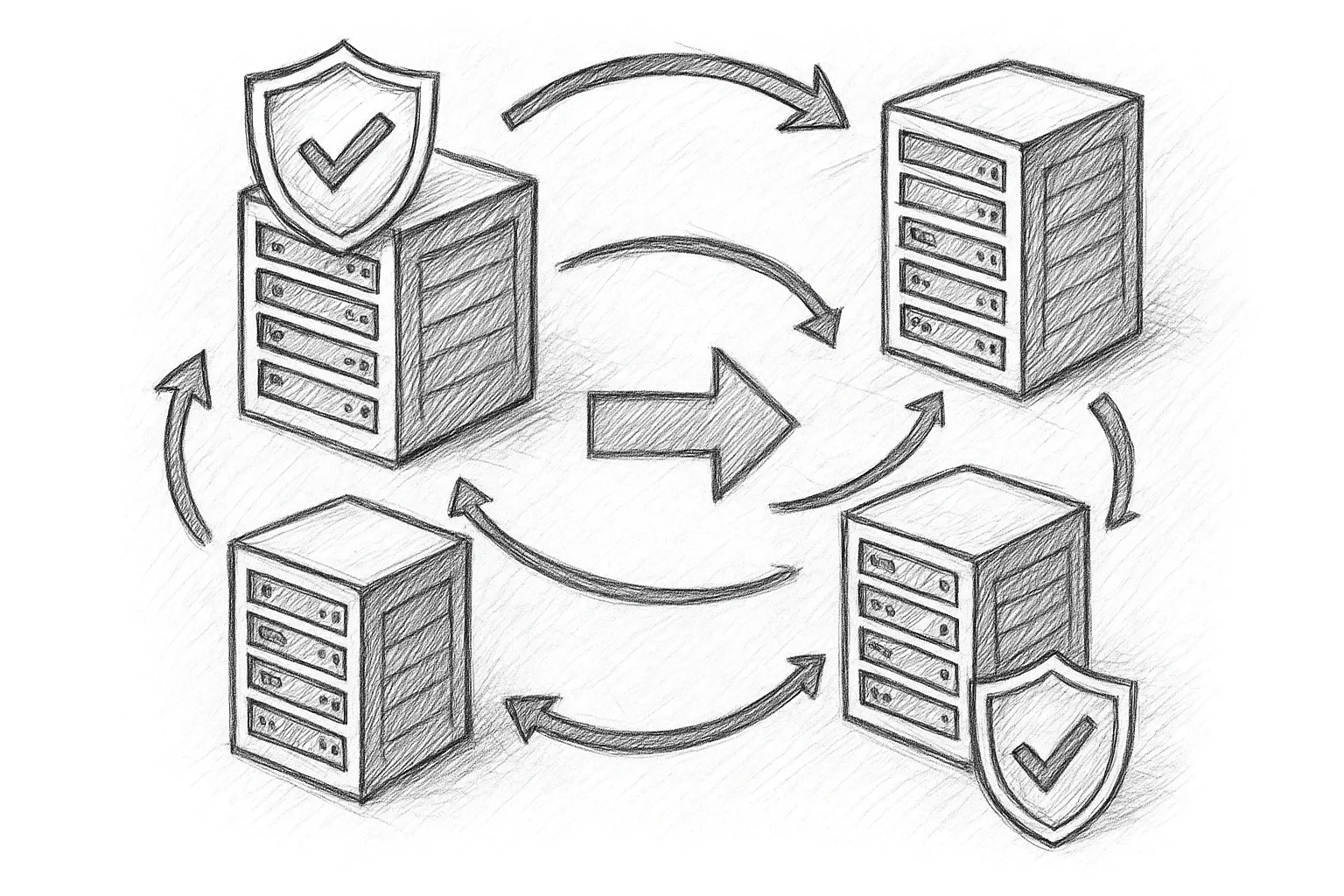
Managing capacity and maintenance in a MySQL InnoDB Cluster means you will regularly add and remove instances. Doing this safely is essential to avoid data loss, split brain, or unexpected failovers.
Prerequisites and Assumptions
This article assumes:
- You are using MySQL InnoDB Cluster (Group Replication + MySQL Router).
- You have shell access to all nodes (RHEL/Rocky Linux examples).
- You manage the cluster using MySQL Shell (JS mode examples).
Before any topology change, confirm:
- Backups are recent and restorable.
- All nodes have the same major MySQL version and compatible configuration.
- Network, DNS and firewalls are correctly configured between instances.
Quick Mental Model: InnoDB Cluster Topology
An InnoDB Cluster is a set of MySQL instances running Group Replication, usually with one primary and multiple secondaries.
Clients --> MySQL Router --> InnoDB Cluster
                          +--> node1 (primary)
                          +--> node2 (secondary)
                          +--> node3 (secondary)
Additions and removals are essentially controlled membership changes of this group.
Step 1: Verify Cluster Health Before Any Change
Never modify a cluster that is already unhealthy. From MySQL Shell:
$ mysqlsh --uri clusteradmin@node1:3306 --js
MySQL JS > var cluster = dba.getCluster();
MySQL JS > cluster.status();
Check that:
- All expected instances are ONLINE.
- The cluster status is OK or equivalent.
- There is a clear primary instance.
If the cluster is not healthy, fix it first (e.g. rejoin failed members, investigate replication errors) before adding or removing nodes.
Step 2: Prepare a New Instance Before Adding
Adding an unprepared instance is a common source of problems. Prepare each new node carefully.
2.1 Install MySQL and Create a Dedicated User
# On RHEL/Rocky Linux
sudo dnf install -y mysql-server
sudo systemctl enable --now mysqld
Log in and create a cluster admin user (if not already present):
CREATE USER 'clusteradmin'@'%' IDENTIFIED BY 'StrongPassword!';
GRANT ALL PRIVILEGES ON *.* TO 'clusteradmin'@'%' WITH GRANT OPTION;
FLUSH PRIVILEGES;
Use more restrictive privileges in hardened environments, but ensure the user can manage replication and Group Replication.
2.2 Align my.cnf Settings
Important configuration settings must match across nodes. On the new instance, edit /etc/my.cnf (or included files) to ensure:
- Same server_id uniqueness per node.
- Same binlog_format = ROW.
- Same gtid_mode = ON and enforce_gtid_consistency = ON.
- Group Replication settings compatible with the existing cluster (group name, IP allowlist, etc.).
[mysqld]
server_id = 103
binlog_format = ROW
gtid_mode = ON
enforce_gtid_consistency = ON
Restart the new node after changes:
sudo systemctl restart mysqld
2.3 Ensure Network Connectivity
From an existing cluster node, verify you can reach the new instance:
$ ping newnode
$ nc -zv newnode 3306
Also ensure firewalls allow the Group Replication port (commonly 33061) between all members.
Step 3: Add a New Instance to the InnoDB Cluster
The safest way to add an instance is via MySQL Shell and dba.configureInstance() plus cluster.addInstance().
3.1 Configure the New Instance for the Cluster
From your admin workstation or a cluster node:
$ mysqlsh --uri clusteradmin@newnode:3306 --js
MySQL JS > dba.configureInstance('clusteradmin@newnode:3306');
Follow the prompts. MySQL Shell will validate GTID, binary logging and Group Replication prerequisites and can apply required settings.
3.2 Add the Instance to the Cluster
Connect to the existing cluster:
$ mysqlsh --uri clusteradmin@node1:3306 --js
MySQL JS > var cluster = dba.getCluster();
MySQL JS > cluster.addInstance('clusteradmin@newnode:3306');
By default, this triggers an automatic clone or incremental state transfer, depending on configuration and data size. Monitor the output for errors.
After completion, verify:
MySQL JS > cluster.status();
Ensure the new instance is ONLINE and in sync.
3.3 Best Practices When Adding Instances
- Add only one instance at a time and validate before adding another.
- Prefer adding instances during low traffic periods to reduce replication pressure.
- Monitor replication lag and performance on the new node after join.
- Update MySQL Router configuration if you use static routing; for classic InnoDB Cluster with MySQL Router bootstrap, re-bootstrap or refresh routes as required.
Step 4: Safely Remove an Instance from the Cluster
Removing an instance is simpler but still requires planning, especially if the node is currently primary or is used by specific application tiers.
4.1 Decide What Kind of Removal You Need
- Graceful removal: Node is healthy and reachable. You want to shrink the cluster or decommission a host.
- Forced removal: Node is permanently lost or corrupted and cannot rejoin safely.
Always prefer a graceful removal when possible. Forced removal should be reserved for nodes you do not intend to reuse without full reinitialisation.
Operational guideline
4.2 Ensure the Target Node Is Not Primary
If you plan to remove the current primary, first perform a controlled switchover. From MySQL Shell:
$ mysqlsh --uri clusteradmin@node1:3306 --js
MySQL JS > var cluster = dba.getCluster();
MySQL JS > cluster.status();  // identify primary
MySQL JS > cluster.setPrimaryInstance('clusteradmin@anothernode:3306');
Confirm the new primary is active and applications have reconnected via MySQL Router.
4.3 Gracefully Remove a Healthy Instance
From any cluster member:
$ mysqlsh --uri clusteradmin@node1:3306 --js
MySQL JS > var cluster = dba.getCluster();
MySQL JS > cluster.removeInstance('clusteradmin@removenode:3306');
MySQL Shell will:
- Check that removal will not break quorum.
- Stop Group Replication on the target instance.
- Update the cluster metadata.
Afterwards, verify:
MySQL JS > cluster.status();
Confirm the node is no longer listed and the cluster remains OK.
4.4 Forced Removal of a Failed Instance
Use forced removal only when a node is gone or unusable. Forced removal is a logical operation; it does not repair or clean the failed host.
$ mysqlsh --uri clusteradmin@node1:3306 --js
MySQL JS > var cluster = dba.getCluster();
MySQL JS > cluster.removeInstance('clusteradmin@failednode:3306', {force: true});
After forced removal:
- Do not bring the failed node back into production without a full reinitialisation.
- If you need it again, treat it as a brand-new instance and follow the add steps.
Step 5: Maintaining Quorum and Availability
Group Replication relies on majority voting. Always keep an odd number of voting members where practical.
5.1 Plan Around Majority Rules
With three nodes, you can lose one and still maintain quorum. With two nodes, losing one stops writes. Before removing an instance, ask:
- Will the remaining nodes still form a majority?
- Is there enough capacity to handle peak load?
- Do I need to add a new node before removing an old one?
5.2 Example: Rolling Hardware Refresh
1) Existing: node1, node2, node3
2) Add:     node4 (new hardware)
3) Move traffic & validate node4
4) Remove:  node2 (old hardware)
5) Repeat for node3 if needed
This pattern keeps quorum and capacity stable while you rotate hardware.
Step 6: Post-Change Validation and Clean-up
After each add or remove operation, perform basic checks.
6.1 Validate Cluster State
MySQL JS > cluster.status();
Confirm:
- Expected members are ONLINE.
- Primary is where you expect it.
- No error messages in the output.
6.2 Check Logs and Metrics
On each remaining node:
$ sudo journalctl -u mysqld -n 100
Look for replication or Group Replication warnings. Also review monitoring dashboards for:
- Replication lag.
- Unexpected spikes in CPU, I/O or network.
- Connection errors from applications.
6.3 Update Routing and Operational Docs
After topology changes:
- Refresh MySQL Router configuration if using static bootstrap.
- Update any host lists in configuration management, firewalls and monitoring.
- Document the new cluster membership and roles.
Common Pitfalls and How to Avoid Them
- Inconsistent versions: Always standardise MySQL versions before joining a node.
- Skipping configureInstance(): Leads to subtle GTID or binlog issues; always run it.
- Removing too many nodes at once: Can break quorum; change membership gradually.
- Reusing a forced-removed node without reinitialisation: Risk of data divergence; always treat it as new.
This article offers general technical guidance. Validate all configurations in a safe environment before applying them to production.
Handled carefully, adding and removing InnoDB Cluster instances becomes a routine operation instead of a risky event. Standardise your procedures, automate checks where possible, and always verify cluster health before and after every change.
Leave a Reply