
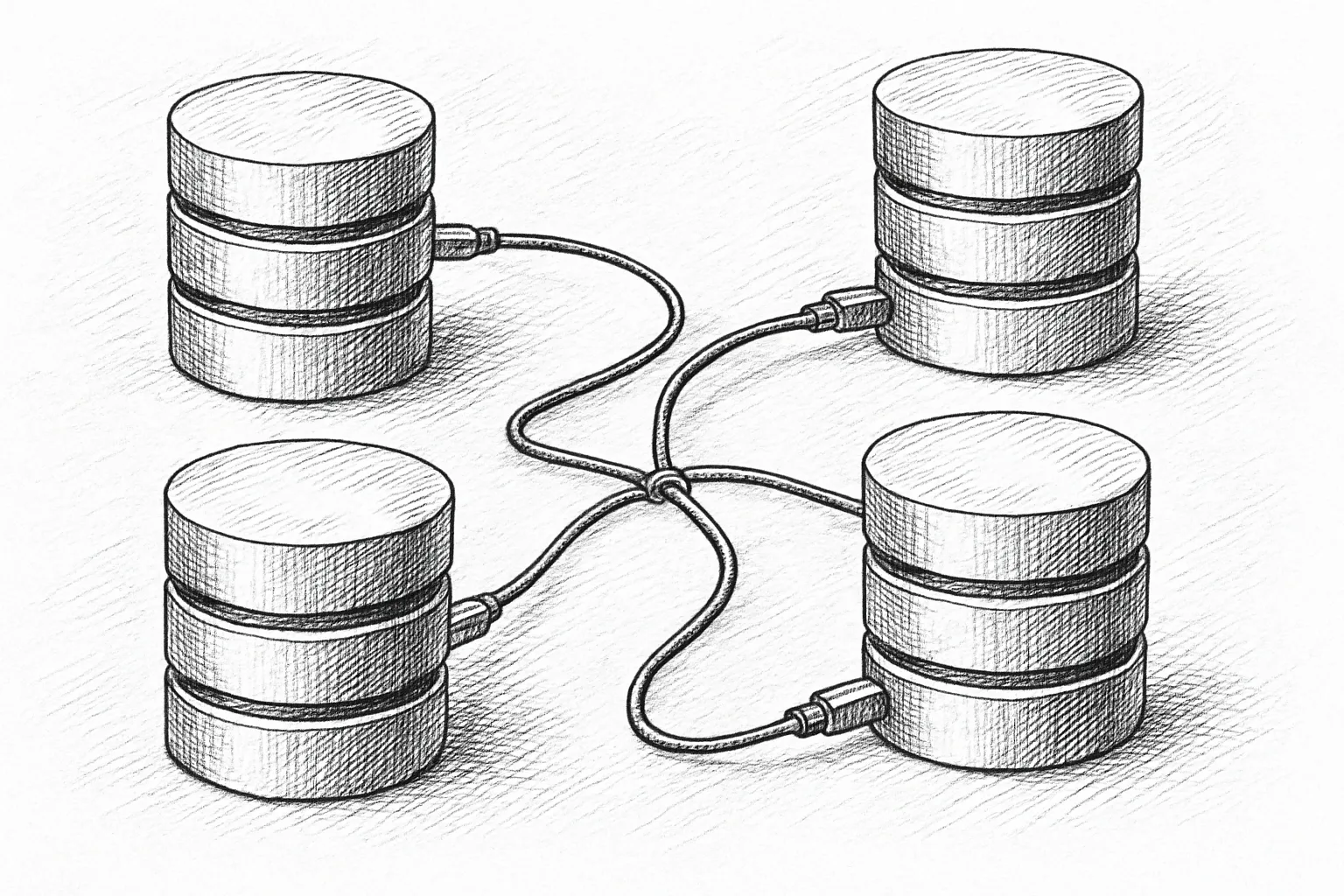
InnoDB’s buffer pool is the core of MySQL performance. It is where data and indexes are cached, where most reads and writes touch memory first, and where a lot of subtle performance problems start.
This article walks through how the buffer pool works, how to size and configure it, and what to monitor. The focus is on practical, production-oriented guidance rather than internals for their own sake.
1. What the InnoDB buffer pool actually does
The buffer pool is a large memory area where InnoDB caches:
- Data pages (table rows)
- Index pages (B-tree nodes)
- Undo pages and some internal structures
Every logical read goes through the buffer pool:
┌─────────────┐     ┌────────────────┐     ┌────────────┐
│ SQL query   │ ─▶ │ InnoDB engine  │ ─▶ │ Buffer pool │
└─────────────┘     └────────────────┘     └────────────┘
                                         ┌──────────────┐
                                         │ Data files   │
                                         └──────────────┘
If the page is in the buffer pool, it is a cache hit (fast). If not, InnoDB must read it from disk into the buffer pool (slow). Writes are also done in memory first and flushed later to disk.
2. Key configuration parameters
2.1 Core settings
These are the main knobs you should understand:
innodb_buffer_pool_size: total size of the buffer poolinnodb_buffer_pool_instances: number of buffer pool instances (sub-pools)innodb_buffer_pool_chunk_size: allocation granularity for resizing
Check current values:
SHOW VARIABLES LIKE 'innodb_buffer_pool%';2.2 Sizing guidelines
On a dedicated MySQL server (RHEL/Rocky Linux), a common starting point:
- OLTP workload: 60-75% of RAM for
innodb_buffer_pool_size - Mixed workloads or shared servers: 40-60%, depending on other services
Example for a 64 GB dedicated MySQL host:
[mysqld]
innodb_buffer_pool_size = 48G
innodb_buffer_pool_instances = 8
Best practices:
- Leave enough RAM for OS page cache, MySQL connections, and utilities (often 20-25%).
- Avoid swapping at all costs; it destroys MySQL performance.
- On smaller systems (<4 GB), be conservative and monitor closely.
3. Instances, chunks, and concurrency
The buffer pool is divided into instances to reduce contention on internal locks. Each instance is an independent sub-pool with its own LRU list and hash table.
3.1 Choosing buffer pool instances
Rules of thumb:
- Use multiple instances only if
innodb_buffer_pool_sizeis large (e.g. ≥4 GB). - Target instance size around 1-8 GB each.
- Do not set more instances than CPU cores.
Examples:
- 8 GB buffer pool on 4 cores → 2-4 instances
- 64 GB buffer pool on 16 cores → 8 instances
Changing instances requires restart on many versions, so choose sensibly early.
3.2 Chunk size and online resizing
innodb_buffer_pool_chunk_size defines how memory is allocated internally. You normally do not change it. What matters is that online resizing works in multiples of chunk size × instances.
Example: chunk size 128 MB, 8 instances → minimum increment is:
128 MB × 8 = 1024 MB (1 GB)Resize online:
SET GLOBAL innodb_buffer_pool_size = 64 * 1024 * 1024 * 1024; -- 64GNote: On busy systems, resizing a large buffer pool can temporarily increase IO and CPU. Schedule during quieter periods.
4. How pages move inside the buffer pool
InnoDB uses an approximate LRU (least recently used) algorithm with a “young” and “old” sublist to avoid cache pollution from full scans.
┌──────────────────────────────────────────────┐
│              InnoDB buffer pool             │
├──────────────────────────────┬──────────────┤
│          young list          │  old list    │
│  (recently & frequently used)│(newly loaded │
│                              │ or rarely    │
│                              │ used pages)  │
└──────────────────────────────┴──────────────┘
When a page is read from disk, it enters near the middle of the LRU (old list). If it is read again soon, it is promoted toward the young list. This reduces the impact of large sequential scans that would otherwise evict hot pages.
You can influence this behaviour with:
innodb_old_blocks_pct: percentage of the LRU used for the old list (default often 37)innodb_old_blocks_time: milliseconds before a page in old list can be promoted
For workloads with heavy batch scans, increasing innodb_old_blocks_time (e.g. to 1000 ms) can protect hot pages from eviction.
5. Monitoring the buffer pool
5.1 Basic status metrics
Start with global status:
SHOW GLOBAL STATUS LIKE 'Innodb_buffer_pool%';Key metrics:
Innodb_buffer_pool_read_requests: logical reads (from buffer pool)Innodb_buffer_pool_reads: physical reads (from disk)Innodb_buffer_pool_pages_total,_data,_free: page counts
Calculate buffer pool read hit ratio over an interval:
hit_ratio = 1 - (Innodb_buffer_pool_reads / Innodb_buffer_pool_read_requests)Collect values at two points in time and compute differences. A high ratio (e.g. >99%) is good, but context matters: small systems or workloads with very large working sets may see lower ratios.
5.2 Detailed instrumentation
For deeper analysis, enable the Performance Schema and InnoDB metrics (if available in your version):
SHOW ENGINE INNODB STATUS\GLook for sections like:
- Buffer pool and memory
- Page hash
- LRU list
Watch for:
- High
readIO compared to logical reads → buffer pool too small or poorly used. - Frequent page flushing and checkpointing → may indicate write pressure or mis-tuned flushing.
6. Step-by-step: tuning the buffer pool
6.1 Step 1: Collect baseline metrics
- Record
SHOW GLOBAL STATUSandSHOW VARIABLES. - Capture
SHOW ENGINE INNODB STATUS\G. - Measure OS-level metrics: CPU, RAM, swap, IO latency (e.g.
iostat -x 1on Rocky Linux).
6.2 Step 2: Check memory and swap usage
On RHEL/Rocky Linux:
free -h
vmstat 5
If you see swap in use and high swap-in/out activity, reduce buffer pool size immediately and investigate other memory consumers. Swapping MySQL is worse than a smaller buffer pool.
6.3 Step 3: Evaluate hit ratio and IO
Over a representative period (e.g. 5-15 minutes under normal load):
- Compute hit ratio from buffer pool metrics.
- Check disk utilisation and latency with
iostat -x.
Typical observations and actions:
- High disk reads, low hit ratio, free RAM available → increase buffer pool size.
- High disk writes but reads acceptable → look at flush settings and log file sizes, not just buffer pool.
- CPU saturated, IO moderate → adding buffer pool may not help; look at queries and indexes.
6.4 Step 4: Adjust size cautiously
When increasing innodb_buffer_pool_size online:
- Increase in modest steps (e.g. 10-20% at a time).
- Observe IO and response times during and after the change.
- Ensure you stay safely below RAM capacity to avoid swapping.
Example (for a running instance):
-- WARNING: Changing buffer pool size affects memory usage immediately.
-- Ensure you have enough free RAM before running this in production.
SET GLOBAL innodb_buffer_pool_size = 56 * 1024 * 1024 * 1024; -- 56G
6.5 Step 5: Review instance count
If you see contention in InnoDB mutexes (via SHOW ENGINE INNODB STATUS or Performance Schema), and you have a large buffer pool with many cores, consider increasing innodb_buffer_pool_instances at the next maintenance window. Avoid extremes; too many small instances can hurt rather than help.
7. Common anti-patterns and pitfalls
- Huge buffer pool on small RAM: Setting 90%+ of RAM for InnoDB leaves no headroom for connections or OS cache. This often leads to swapping and worse performance.
- Ignoring non-InnoDB memory: MyISAM, query cache (if enabled), sort buffers, and application processes all need RAM.
- Frequent huge resizes: Treat buffer pool size as a stable capacity parameter, not a knob to turn every day.
- Assuming “bigger is always better”: After your working set fits in memory, further increases bring diminishing returns. Focus on schema and query design instead.
8. Operational best practices
- Document buffer pool settings and rationale per environment (dev, staging, prod).
- Use configuration management (Ansible, etc.) to keep settings consistent across nodes.
- Monitor buffer pool metrics continuously and alert on anomalies (e.g. sudden drop in hit ratio, unexpected increase in physical reads).
- Re-evaluate buffer pool size during major workload or data volume changes (e.g. new feature rollout, data growth).
- Test configuration changes on a staging system with realistic data and workload.
This article offers general technical guidance. Validate all configurations in a safe environment before applying them to production.
Leave a Reply