
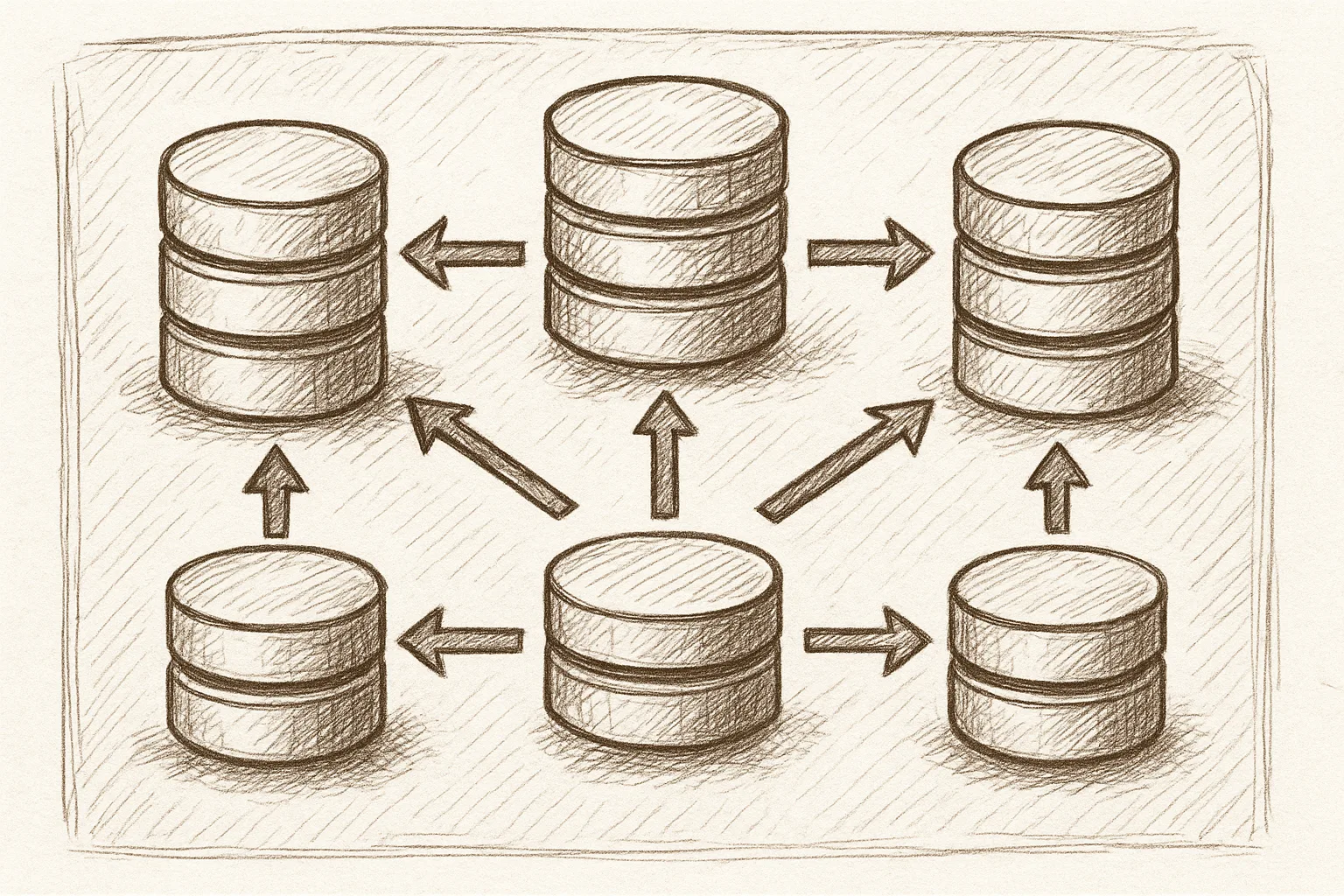
This guide walks through configuring MySQL Group Replication as the core of an InnoDB Cluster, focusing on practical steps and safe defaults for engineers.
What Is Group Replication in an InnoDB Cluster?
MySQL InnoDB Cluster uses Group Replication to provide a fault-tolerant, multi-primary or single-primary cluster. Each server runs a plugin that keeps data consistent across members using distributed consensus.
A typical three-node single-primary layout looks like this:
         +------------------+
         |   MySQL Router   |
         +---------+--------+
                   |
        +----------+----------+
        |                     |
+-------+--------+   +--------+-------+
| Primary (R/W)  |   | Secondary (R/O) |
| gr_member_1    |   | gr_member_2     |
+----------------+   +-----------------+
           \\          /
            \\        /
          +-----------------+
          | Secondary (R/O) |
          | gr_member_3     |
          +-----------------+
Group Replication handles membership, failure detection, and conflict resolution, while MySQL Router directs application traffic.
Prerequisites and Planning
Before configuring Group Replication, ensure the following:
- All nodes run compatible MySQL versions with InnoDB and Group Replication plugins available.
- Stable, low-latency network between nodes.
- Unique server IDs and hostnames or IPs.
- Consistent time synchronisation (e.g. NTP).
Decide early:
- Topology: Three nodes minimum for production, odd number preferred.
- Mode: Single-primary (recommended) vs multi-primary (advanced, more conflict risk).
- Bootstrap node: Which node will create the group.
Step 1: Basic MySQL and InnoDB Settings
On each node, configure core InnoDB and replication settings in my.cnf (or equivalent). Restart MySQL after changes.
[mysqld]
# Unique server ID per node
server_id = 1          # change per node: 1, 2, 3, ...

# Required for Group Replication
binlog_format = ROW
log_bin = binlog
log_slave_updates = ON
gtid_mode = ON
enforce_gtid_consistency = ON

# InnoDB durability (tune as needed)
innodb_flush_log_at_trx_commit = 1
sync_binlog = 1

# Networking
bind-address = 0.0.0.0

# Disable super_read_only at startup; GR will manage it
super_read_only = OFF
On each node, adjust server_id to be unique. Ensure binary logging and GTIDs are enabled, as Group Replication relies on GTID-based replication.
Step 2: Create a Replication User
Create a user with replication and group replication privileges on all nodes. For simplicity, use the same credentials everywhere.
CREATE USER 'repl'@'%' IDENTIFIED BY 'StrongPassword!';
GRANT REPLICATION SLAVE, BACKUP_ADMIN ON *.* TO 'repl'@'%';
FLUSH PRIVILEGES;
Restrict the host to specific IP ranges in production instead of '%'.
Step 3: Enable the Group Replication Plugin
Load the Group Replication plugin on each node. This can be done dynamically or via configuration.
INSTALL PLUGIN group_replication SONAME 'group_replication.so';To load it at startup, add to my.cnf:
[mysqld]
plugin_load_add = group_replication.so
Step 4: Configure Group Replication Variables
On each node, configure group-specific variables. Use the same group UUID and seed list everywhere.
[mysqld]
# Common group settings
loose-group_replication_group_name = "aaaaaaaa-bbbb-cccc-dddd-eeeeeeeeeeee"
loose-group_replication_start_on_boot = OFF
loose-group_replication_local_address = "10.0.0.1:33061"   # change per node
loose-group_replication_group_seeds = \
  "10.0.0.1:33061,10.0.0.2:33061,10.0.0.3:33061"

# Single-primary mode recommended
loose-group_replication_single_primary_mode = ON
loose-group_replication_enforce_update_everywhere_checks = OFF

# Networking
loose-group_replication_ip_whitelist = "10.0.0.0/24"
On node 2 and 3, adjust group_replication_local_address to 10.0.0.2:33061 and 10.0.0.3:33061 respectively. Keep group_replication_group_name and group_replication_group_seeds identical.
Step 5: Prepare the Initial Data Set
Group Replication expects nodes to start from a consistent data set. A common approach:
- Provision node 1 with the desired schema and baseline data.
- Take a logical or physical backup of node 1.
- Restore the backup onto node 2 and node 3.
Ensure that GTID information is preserved when backing up and restoring. This avoids divergence when Group Replication starts.
All nodes should have identical data and GTID sets before joining the group to prevent conflicts and unnecessary recovery.
Operational best practice
Step 6: Configure Group Replication Channels
On each node, set the replication recovery channel to use the dedicated replication user.
CHANGE MASTER TO
  MASTER_USER = 'repl',
  MASTER_PASSWORD = 'StrongPassword!'
FOR CHANNEL 'group_replication_recovery';
This channel is used when a node joins the group to fetch missing transactions.
Step 7: Bootstrap the First Primary Node
On the node you have chosen as the initial primary (for example, node 1), set the bootstrap variable, start the group, then reset the bootstrap flag.
SET GLOBAL group_replication_bootstrap_group = ON;
START GROUP_REPLICATION;
SET GLOBAL group_replication_bootstrap_group = OFF;
Check the status:
SELECT * FROM performance_schema.replication_group_members\GYou should see one member with MEMBER_ROLE = 'PRIMARY' and MEMBER_STATE = 'ONLINE'.
Step 8: Join Additional Nodes to the Group
On each additional node (node 2 and node 3), simply start Group Replication without bootstrapping.
START GROUP_REPLICATION;Verify that all nodes appear in the group:
SELECT MEMBER_ID, MEMBER_HOST, MEMBER_ROLE, MEMBER_STATE
FROM performance_schema.replication_group_members;
All members should report ONLINE. In single-primary mode, one node will be PRIMARY and the others SECONDARY.
Step 9: Integrate with InnoDB Cluster and Router
InnoDB Cluster adds management and routing around Group Replication. Using the MySQL Shell, you can create and manage the cluster.
# From mysqlsh
shell.connect('[email protected]:3306');
var dba = require('dba');
var cluster = dba.createCluster('prod_cluster');
cluster.addInstance('[email protected]:3306');
cluster.addInstance('[email protected]:3306');
Then configure MySQL Router to direct reads and writes appropriately, typically pointing applications at Router rather than individual nodes.
Operational Best Practices
Durability and Performance
- Use
innodb_flush_log_at_trx_commit = 1andsync_binlog = 1for maximum durability; relax only after risk assessment. - Place data and logs on reliable, low-latency storage to minimise commit overhead.
- Monitor replication lag and transaction certification failures.
Network and Quorum
- Use at least three nodes for production to maintain quorum during failures.
- Avoid placing all nodes in a single failure domain (e.g. same rack or AZ).
- Ensure firewalls allow TCP on MySQL and Group Replication ports between all members.
Schema and Workload Design
- Prefer single-primary mode unless you have a strong need for multi-primary and understand conflict handling.
- Use primary keys on all tables; Group Replication relies on deterministic row identification.
- Avoid non-deterministic functions in write-heavy queries where possible.
Monitoring and Maintenance
- Monitor
performance_schema.replication_group_member_statsfor throughput and errors. - Regularly test failover by stopping the primary and observing automatic re-election.
- Use rolling upgrades: remove a node, upgrade, rejoin, and repeat.
Troubleshooting Common Issues
Node Fails to Join
- Check that
group_replication_group_nameand seed list are identical across nodes. - Verify that the replication user and password match on all instances.
- Inspect the error log for messages about IP whitelist, GTID gaps, or plugin loading failures.
Inconsistent Data Detected
- Stop Group Replication on the affected node.
- Resynchronise the node from a fresh backup of a healthy member.
- Rejoin the node and confirm it reaches
ONLINEstate.
Unexpected Read-Only Behaviour
- In single-primary mode, secondaries are normally read-only (
super_read_only = ON). - If the primary changes after failover, ensure applications write to the new primary (usually via Router).
This article offers general technical guidance. Validate all configurations in a safe environment before applying them to production.
Configured carefully, Group Replication and InnoDB Cluster provide robust high availability with automatic failover and consistent data. Start with a small three-node cluster, automate provisioning and backups, and invest early in monitoring so you can trust the cluster under real-world load.
Leave a Reply