
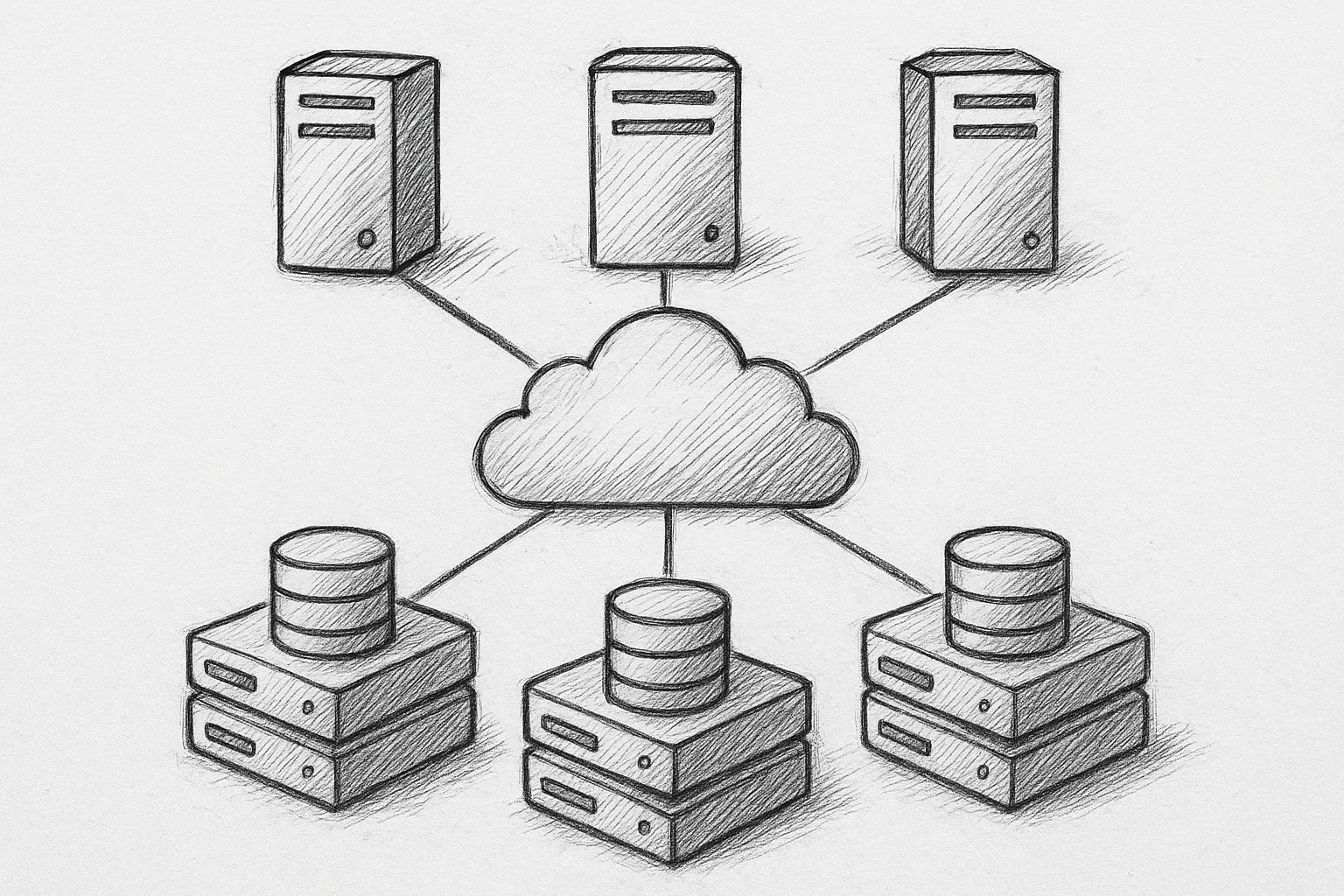
Deploying MySQL InnoDB Cluster in production involves more than running MySQL Shell wizards. This guide walks through practical, DBA-focused best practices for designing, deploying, and operating a resilient InnoDB Cluster.
1. Understand the InnoDB Cluster building blocks
InnoDB Cluster is built from several components that must be understood before deployment:
- MySQL instances running InnoDB and Group Replication
- A MySQL Router layer for application connectivity
- MySQL Shell for configuration and administration
A minimal production topology usually looks like this:
        +-------------------+
        |   Applications    |
        +---------+---------+
                  |
            +-----v-----+
            |  Routers  |  (2+ instances)
            +-----+-----+
                  |
   +--------------+--------------+
   |              |              |
+--v--+        +--v--+        +--v--+
| R/W |        | R/O |        | R/O |
| GR1 |        | GR2 |        | GR3 |
+-----+        +-----+        +-----+
Plan for at least three Group Replication members for fault tolerance and quorum.
2. Plan topology and failure domains
Topology planning has a direct impact on availability and consistency.
2.1 Number of members
- 3 members: minimum for production; tolerates one failure.
- 5 members: better for larger workloads and maintenance flexibility.
Use an odd number of members to simplify quorum behaviour in Group Replication.
2.2 Failure domains and placement
- Spread members across different racks or availability zones.
- Avoid placing all members on the same physical host or hypervisor cluster.
- Keep inter-node latency consistently low; Group Replication is sensitive to RTT.
For multi-region deployments, prefer one primary region with full cluster members and remote read replicas, rather than stretching a single cluster across high-latency links.
3. Configure Group Replication correctly
Group Replication settings determine how the cluster behaves during failures and under load.
3.1 Single-primary vs multi-primary
- Single-primary (recommended default): one writable primary, others read-only.
- Multi-primary: all nodes writable; requires strict conflict-avoidance at application level.
For most production systems, single-primary mode is simpler and more predictable.
3.2 Core configuration parameters
Key parameters to review (names may vary by version, always check documentation):
- group_replication_group_name: unique UUID for the cluster.
- group_replication_start_on_boot: typically ON in production.
- group_replication_bootstrap_group: used only when initially bootstrapping; ensure it is reset afterwards.
- group_replication_enforce_update_everywhere_checks: OFF for single-primary.
- group_replication_consistency: set according to consistency requirements (e.g. EVENTUAL, BEFORE_ON_PRIMARY_FAILOVER).
Avoid changing critical Group Replication settings casually in production; test first in a staging cluster.
4. Network, security, and time synchronisation
Stable networking and consistent security policies are essential for a healthy cluster.
4.1 Network requirements
- Use static IPs or stable DNS for all members and routers.
- Open only necessary ports between nodes (MySQL client port and Group Replication communication ports).
- Keep network latency low and predictable; avoid shared noisy networks where possible.
4.2 TLS and secure connections
- Use TLS for client-to-router and router-to-server connections.
- Use TLS for Group Replication traffic, especially across zones or data centres.
- Rotate certificates periodically and verify renewal procedures before expiry.
4.3 Time synchronisation
- Enable NTP or an equivalent time service on all members and routers.
- Monitor for clock drift; large differences can complicate troubleshooting and auditing.
5. Storage, InnoDB settings, and durability
InnoDB is the storage engine underpinning InnoDB Cluster; misconfiguration here undermines the whole deployment.
5.1 Storage layout
- Use fast, low-latency storage (SSD or NVMe) for data and redo logs.
- Avoid sharing storage devices heavily with other noisy workloads.
- Ensure write cache is battery-backed or safely flushed to disk.
5.2 Durability-related settings
Review and align the following across all members:
- innodb_flush_log_at_trx_commit: 1 for maximum durability; 2 or 0 trades durability for performance.
- sync_binlog: 1 for safest binlog durability; higher values reduce fsync frequency.
- binlog_checksum: keep enabled for corruption detection.
Changing durability settings can improve throughput but increases data loss risk on crash; document and agree the risk profile with stakeholders.
6. Bootstrapping and joining members safely
Initial cluster creation and node joining must be controlled to avoid split-brain and accidental bootstrap.
6.1 Initial bootstrap
- Designate a single node for the first bootstrap operation.
- Use MySQL Shell to create the InnoDB Cluster, which sets Group Replication options consistently.
- After bootstrap, verify that group_replication_bootstrap_group is disabled.
6.2 Adding new members
- Provision instances with identical MySQL versions and compatible configurations.
- Ensure data is cloned or initialised correctly (e.g. using automatic clone or backup-and-restore).
- Join nodes via MySQL Shell, and confirm they reach ONLINE state in the group.
Do not manually start Group Replication with bootstrap options on more than one node; this risks creating multiple independent groups.
7. MySQL Router deployment best practices
MySQL Router is the entry point for applications and must be treated as part of the HA design.
7.1 Router redundancy
- Deploy at least two Router instances per application environment.
- Place routers close to applications to reduce latency.
- Use DNS, a load balancer, or application-side configuration to distribute traffic across routers.
7.2 Read/write split
- Use separate endpoints for read-write and read-only traffic.
- Route OLTP writes to the primary and reporting/analytics reads to secondaries when appropriate.
- Ensure application retry logic is aware of transient connection changes during failover.
8. Backups and recovery with InnoDB Cluster
Group Replication is not a backup; you still need regular, tested backups.
8.1 Backup strategy
- Take logical or physical backups from a non-primary member where possible to reduce impact on the primary.
- Ensure backups include all InnoDB data, binary logs (if needed for PITR), and configuration files.
- Encrypt backup data at rest and in transit.
8.2 Recovery and clone operations
- Maintain documented procedures to restore a single node from backup and rejoin it to the cluster.
- Test full cluster recovery scenarios regularly, including primary loss.
- Use clone or backup-based provisioning for new nodes to ensure consistent data.
High availability without tested restore procedures is just a way to replicate mistakes faster.
Common DBA saying
9. Monitoring, alerting, and operational checks
Continuous monitoring is mandatory for production InnoDB Cluster deployments.
9.1 Metrics to track
- Group Replication member status and primary role.
- Replication lag and flow control events.
- InnoDB buffer pool usage, checkpoint age, and redo log pressure.
- Connection counts and query response times.
- Disk usage, IOPS, and latency on all members.
9.2 Health checks and alerts
- Implement health checks for routers and MySQL instances.
- Alert on member state changes (e.g. from ONLINE to ERROR or RECOVERING).
- Alert on repeated automatic failovers; they often indicate deeper issues.
10. Change management and testing
Configuration changes and upgrades must be handled carefully to avoid cluster instability.
- Maintain a staging InnoDB Cluster mirroring production topology.
- Test MySQL upgrades, router upgrades, and configuration changes in staging first.
- Roll out changes one node at a time, monitoring behaviour before proceeding.
- Document runbooks for routine operations (failover tests, node replacement, backups).
This article offers general technical guidance. Validate all configurations in a safe environment before applying them to production.
A well-designed MySQL InnoDB Cluster combines resilient topology, conservative configuration, and disciplined operations. By planning failure domains, standardising Group Replication and InnoDB settings, and investing in monitoring and tested recovery procedures, you can run InnoDB Cluster confidently in production and minimise surprises during failures and maintenance.
Leave a Reply