
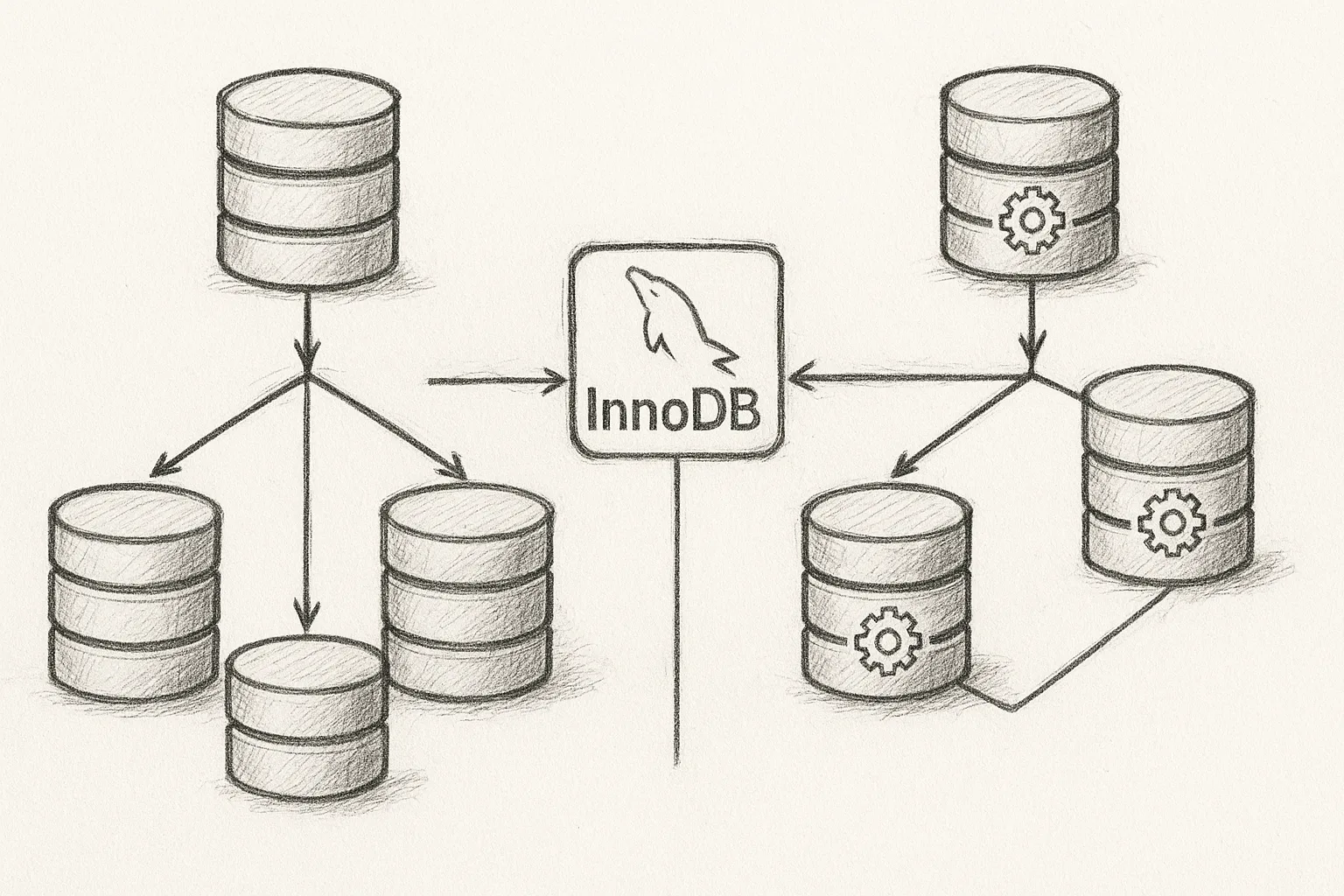
Choosing between single-primary and multi-primary mode in InnoDB Cluster directly affects performance, conflict risk, and operational complexity. This article walks through how each mode works, when to use which, and how to configure them safely.
Core concepts: Group Replication and InnoDB Cluster
InnoDB Cluster builds on MySQL Group Replication. Group Replication provides a fault-tolerant replicated state machine, and InnoDB Cluster adds orchestration, routing, and management via MySQL Shell and MySQL Router.
Both modes rely on the same foundations:
- InnoDB as the storage engine
- Group Replication plugin for distributed consensus
- MySQL Shell for cluster creation and administration
- MySQL Router for application traffic routing
The key difference is how many members accept writes at any given time.
Single-primary mode: one writer, many readers
In single-primary mode, exactly one node is elected as the primary (read-write) member. All other members are secondaries (read-only) and receive changes via replication.
           +-------------------+
           |  Application(s)  |
           +---------+--------+
                     |
               (writes & reads)
                     v
            +------------------+
            | Primary (RW)     |
            | member           |
            +--------+---------+
                     |
          group replication
        (certified transactions)
                     |
        +------------+------------+
        |                         |
+---------------+         +---------------+
| Secondary RO  |         | Secondary RO  |
| member        |         | member        |
+---------------+         +---------------+
This is the default and recommended mode for most workloads.
Strengths of single-primary mode
- Simple consistency model: All writes go through one node, reducing write conflicts.
- Predictable performance: No cross-writer conflict detection overhead.
- Easier troubleshooting: Clear locus of writes simplifies analysis and profiling.
- Natural read scaling: Route heavy read-only traffic to secondaries.
Limitations of single-primary mode
- Single write endpoint may become a bottleneck for very write-heavy workloads.
- Failover requires promotion of a secondary to primary (automatic in a well-configured cluster, but still a step).
- Applications that assume “any node is writable” need stricter routing.
Multi-primary mode: multiple writers
In multi-primary mode, every cluster member is a primary and accepts writes. Group Replication coordinates and certifies transactions to maintain consistency.
         +-------------------+
         |  Application(s)  |
         +---------+--------+
                   |
        +----------+-----------+
        |          |           |
        v          v           v
+---------------+ +---------------+ +---------------+
| Primary (RW)  | | Primary (RW)  | | Primary (RW)  |
| member        | | member        | | member        |
+-------+-------+ +-------+-------+ +-------+-------+
        \__________group replication___________/
All nodes can both read and write, and changes are replicated and certified across the group.
Strengths of multi-primary mode
- Multiple write endpoints: Potentially higher aggregate write throughput.
- Topology flexibility: Applications in different locations can write to local nodes (latency permitting).
- Operational flexibility: Less dependency on a single primary host for writes.
Limitations and risks of multi-primary mode
- Conflict risk: Concurrent writes to the same rows or overlapping key ranges can cause transaction rollbacks.
- Higher coordination overhead: Certification and conflict detection add latency.
- More complex troubleshooting: Writes are spread across nodes, complicating analysis.
- Strict application requirements: Applications must handle transient write failures and retries gracefully.
Multi-primary mode is not a magic horizontal write-scaling solution; it is a tool that requires careful data and workload design.
MySQL engineering best practice
How conflict detection works
Group Replication uses write set certification. Each transaction’s changes are represented as a write set, including primary key and unique index modifications. Incoming transactions are compared against already committed transactions to detect conflicts.
If two concurrent transactions modify overlapping keys, one will be rolled back at certification time. This behaviour is particularly visible in multi-primary mode, where writes originate on different members.
Practical implications:
- Use primary keys on all tables to make conflict detection efficient and predictable.
- Avoid “hot rows” that are frequently updated from multiple nodes.
- Design id generation to avoid collisions (for example, auto-increment offset per node if needed).
Configuration: choosing the mode
You define the mode when creating the cluster in MySQL Shell. The exact syntax may vary slightly by version, but conceptually it looks like this:
// Connect with MySQL Shell in JS mode
shell.connect('dba@primary:3306');

// Create a cluster in single-primary mode (default)
var cluster = dba.createCluster('prodCluster');

// Or explicitly specify single-primary
var cluster = dba.createCluster('prodCluster', {"multiPrimary": false});

// Create a cluster in multi-primary mode
var cluster = dba.createCluster('prodClusterMP', {"multiPrimary": true});
You can also switch modes later. Switching affects routing and behaviour, so plan a maintenance window and test thoroughly.
Router configuration considerations
MySQL Router can expose different ports for read-write and read-only traffic. In single-primary mode this is especially useful:
- Direct OLTP or transactional workloads to the read-write port.
- Direct reporting, analytics, and batch jobs to the read-only port.
In multi-primary mode, all nodes are technically read-write, but you may still choose to route certain workloads to specific nodes (for example, geo-locality or isolation of noisy workloads).
Step-by-step: designing for single-primary mode
1. Identify workload patterns
- Estimate read/write ratio.
- Identify latency-sensitive components.
- List large reporting or batch jobs.
2. Plan topology and routing
- Choose a primary node near the majority of your write-heavy clients.
- Place secondaries to serve read-heavy or geographically distributed clients.
- Configure MySQL Router with distinct read-write and read-only ports.
3. Tune for read scaling
- Ensure your application uses connection strings or pools that differentiate between read-only and read-write operations.
- Use connection-level hints or separate services for reporting workloads.
- Monitor replica lag and route critical reads to the primary if strict freshness is required.
4. Prepare for failover
- Enable automatic primary election in the cluster configuration.
- Test failover scenarios regularly in a staging environment.
- Ensure applications can reconnect via MySQL Router rather than hard-coded hostnames.
Step-by-step: designing for multi-primary mode
Use multi-primary mode only when you have a clear need for multiple write endpoints and you understand the conflict risks.
1. Analyse data access patterns
- Map tables and key ranges to business domains.
- Identify which domains can be partitioned by node (for example, region-based data).
- Avoid designs where different nodes frequently update the same rows.
2. Partition writes logically
- Route traffic so each node primarily handles a distinct subset of data, such as:
Node A: region = 'EU'
Node B: region = 'US'
Node C: region = 'APAC'
- Ensure your application layer is aware of this routing strategy.
- Minimise cross-region or cross-partition updates that hit multiple nodes.
3. Implement retry logic
- Handle transient errors caused by certification failures (for example, deadlocks and transaction rollbacks).
- Make retries idempotent where possible to avoid double effects.
- Log and monitor rollback rates to detect hotspots.
4. Monitor conflicts and performance
- Track metrics such as:
- Number of rolled-back transactions due to conflicts.
- Replication apply latency between nodes.
- CPU and network utilisation on each member.
If conflict rates are high, reconsider your partitioning and whether multi-primary is appropriate.
When to choose which mode
Prefer single-primary mode when
- Your workload is predominantly read-heavy with moderate writes.
- You want simpler operations, monitoring, and troubleshooting.
- Your application is not designed to handle frequent transaction retries.
- You can scale reads by adding more secondaries.
Consider multi-primary mode when
- You have a clear partitioning strategy where each node serves mostly distinct data.
- Your application can tolerate and correctly handle transaction rollbacks and retries.
- You need write-locality for geographically distributed applications and can manage the complexity.
- You have strong observability and operational discipline.
Operational best practices
- Always use InnoDB with proper primary keys on all tables.
- Keep schema consistent across all nodes; use controlled deployment processes.
- Test configuration changes (including mode switches) in a non-production environment first.
- Use MySQL Shell’s diagnostic commands to verify cluster health regularly.
- Document your routing strategy clearly for application and operations teams.
This article offers general technical guidance. Validate all configurations in a safe environment before applying them to production.
In practice, most systems start and stay in single-primary mode, using replicas for read scaling and availability. Multi-primary mode is powerful but specialised; adopt it only with a solid partitioning plan, robust retry logic, and strong monitoring in place.
Leave a Reply