
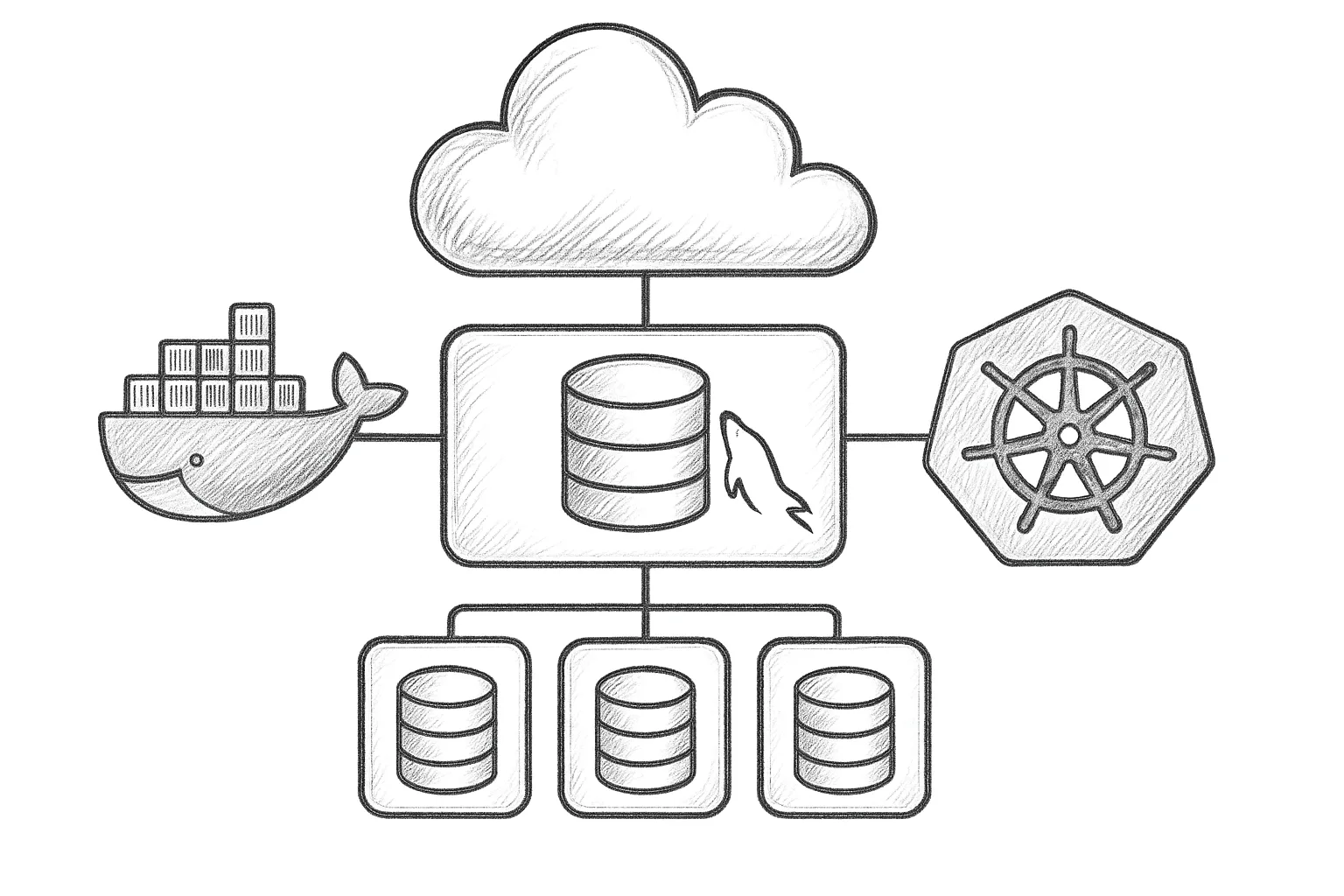
Running MySQL InnoDB Cluster inside containers is now common, but it adds orchestration, storage, and networking concerns that DBAs must handle deliberately. This article walks through how to integrate InnoDB Cluster with Docker and Kubernetes in a practical, production-minded way.
Core concepts: InnoDB Cluster and containers
MySQL InnoDB Cluster combines three main pieces:
- InnoDB storage engine for transactional data
- Group Replication for high-availability replication
- MySQL Router for routing applications to the correct primary or secondary
In containers, you typically map each MySQL server instance to a container, and let Docker or Kubernetes manage placement and restart. The key is to separate ephemeral containers from persistent storage and stable network identities.
Reference layouts in Docker and Kubernetes
Typical Docker layout
For a simple Docker-based lab or small deployment, you might run:
- 3 MySQL server containers (Group Replication members)
- 1–2 MySQL Router containers
- Named volumes or bind mounts for data
+-------------------------- Docker host --------------------------+
|                                                                |
|  [router-1]    [router-2]                                     |
|      |             |                                          |
|   +--+-------------+------------------------------+           |
|   |                                             | |           |
| [mysql-1]      [mysql-2]      [mysql-3]         | |           |
|   |GR member     |GR member     |GR member      | |           |
|   +--------------+--------------+---------------+ |           |
|    volume-1        volume-2        volume-3       |           |
+---------------------------------------------------+           |
Typical Kubernetes layout
In Kubernetes, the usual pattern is:
- One StatefulSet for the MySQL server pods
- One Deployment for MySQL Router pods
- PersistentVolumeClaims (PVCs) for data
- Services for intra-cluster traffic and application access
+-------------------------- Kubernetes --------------------------+
| StatefulSet: mysql                                          |
|   Pod mysql-0 <- PVC mysql-0-pv                             |
|   Pod mysql-1 <- PVC mysql-1-pv                             |
|   Pod mysql-2 <- PVC mysql-2-pv                             |
|                                                              |
| Deployment: mysql-router                                    |
|   Pod router-0                                              |
|   Pod router-1                                              |
|                                                              |
| Services:                                                   |
|   mysql-internal (ClusterIP)  - server-to-server traffic    |
|   mysql-router (LoadBalancer/ClusterIP) - app entrypoint    |
+--------------------------------------------------------------+
Preparing an InnoDB Cluster image
You can use the official MySQL Server container image as a base. The main requirements are:
- Enable Group Replication
- Configure a unique server ID and instance name
- Expose the MySQL port (3306) and, if needed, group communication ports
Example my.cnf snippet suitable for containerised InnoDB Cluster members:
[mysqld]
server_id=1
log_bin=binlog
binlog_format=ROW
transaction_write_set_extraction=XXHASH64
loose-group_replication_group_name="aaaaaaaa-bbbb-cccc-dddd-eeeeeeeeeeee"
loose-group_replication_start_on_boot=OFF
loose-group_replication_local_address="0.0.0.0:33061"
loose-group_replication_group_seeds="mysql-0:33061,mysql-1:33061,mysql-2:33061"
loose-group_replication_bootstrap_group=OFF
In Docker, you can mount this configuration from the host. In Kubernetes, use a ConfigMap and mount it into /etc/my.cnf.d/ or similar.
Running InnoDB Cluster with Docker
Step 1: Create a Docker network and volumes
docker network create innodb-net

for i in 1 2 3; do
  docker volume create innodb-data-$i
done
Step 2: Start MySQL containers
docker run -d --name mysql-1 \
  --network innodb-net \
  -e MYSQL_ROOT_PASSWORD=secret \
  -v innodb-data-1:/var/lib/mysql \
  -v /opt/mysql/conf.d:/etc/my.cnf.d \
  mysql:latest

# Repeat for mysql-2, mysql-3 with their own volumes
Ensure each container has a unique server_id (via environment or config) and that the Group Replication seed list matches the container hostnames.
Step 3: Initialise the InnoDB Cluster
Use the MySQL Shell (on the host or in a separate container) to configure the cluster:
mysqlsh root@mysql-1 --password=secret -- dba.createCluster('prodCluster')Then add instances:
mysqlsh root@mysql-1 --password=secret -- \
  dba.getCluster('prodCluster').addInstance('root@mysql-2')

mysqlsh root@mysql-1 --password=secret -- \
  dba.getCluster('prodCluster').addInstance('root@mysql-3')
Step 4: Run MySQL Router in Docker
Bootstrap MySQL Router using MySQL Shell, then run it as a container on the same network:
mysqlrouter --bootstrap root@mysql-1:3306 --user=mysqlrouter

docker run -d --name mysql-router \
  --network innodb-net \
  -p 6446:6446 \
  -v /opt/mysqlrouter/conf.d:/etc/mysqlrouter \
  mysql/mysql-router:latest
Applications connect to the router’s exposed port (for example, 6446) instead of directly to any member.
Running InnoDB Cluster on Kubernetes
Step 1: Storage and StatefulSet
Define a StorageClass in your cluster, then create a StatefulSet for MySQL. A minimal YAML outline:
apiVersion: apps/v1
kind: StatefulSet
metadata:
  name: mysql
spec:
  serviceName: mysql-internal
  replicas: 3
  selector:
    matchLabels:
      app: mysql
  template:
    metadata:
      labels:
        app: mysql
    spec:
      containers:
      - name: mysql
        image: mysql:latest
        env:
        - name: MYSQL_ROOT_PASSWORD
          valueFrom:
            secretKeyRef:
              name: mysql-root
              key: password
        ports:
        - containerPort: 3306
        volumeMounts:
        - name: data
          mountPath: /var/lib/mysql
  volumeClaimTemplates:
  - metadata:
      name: data
    spec:
      accessModes: ["ReadWriteOnce"]
      resources:
        requests:
          storage: 50Gi
Mount your Group Replication configuration via a ConfigMap. Each pod gets its own PVC, which persists across restarts or rescheduling.
Step 2: Headless service for intra-cluster traffic
Create a headless Service to give each pod a stable DNS name:
apiVersion: v1
kind: Service
metadata:
  name: mysql-internal
spec:
  clusterIP: None
  selector:
    app: mysql
  ports:
  - port: 3306
    name: mysql
Pods will be reachable as mysql-0.mysql-internal, mysql-1.mysql-internal, and so on. Use these hostnames in your group_replication_group_seeds configuration.
Step 3: Initialise the cluster
Once all pods are running, exec into one pod and use MySQL Shell:
kubectl exec -it mysql-0 -- bash
mysqlsh root@localhost -- dba.createCluster('k8sCluster')
mysqlsh root@localhost -- \
  dba.getCluster('k8sCluster').addInstance('[email protected]')
mysqlsh root@localhost -- \
  dba.getCluster('k8sCluster').addInstance('[email protected]')
Step 4: MySQL Router as a Deployment
Run MySQL Router as a stateless Deployment. A minimal sketch:
apiVersion: apps/v1
kind: Deployment
metadata:
  name: mysql-router
spec:
  replicas: 2
  selector:
    matchLabels:
      app: mysql-router
  template:
    metadata:
      labels:
        app: mysql-router
    spec:
      containers:
      - name: mysql-router
        image: mysql/mysql-router:latest
        ports:
        - containerPort: 6446
Expose it via a Service for applications:
apiVersion: v1
kind: Service
metadata:
  name: mysql-router
spec:
  type: ClusterIP
  selector:
    app: mysql-router
  ports:
  - port: 6446
    targetPort: 6446
Applications connect to the mysql-router Service; Router then forwards to the correct primary or secondary nodes.
Best practices for containerised InnoDB Cluster
Storage and durability
- Use persistent volumes (Docker volumes or Kubernetes PVCs) for /var/lib/mysql.
- Avoid hostPath volumes in Kubernetes for production; use a proper storage backend.
- Ensure fsync and flush behaviour is not disabled in container images.
- Monitor disk latency; Group Replication is sensitive to slow writes.
Networking and timeouts
- Keep inter-node latency low; place all members in the same region and low-latency network.
- Configure group_replication_member_expel_timeout and related settings conservatively to avoid flapping members.
- Ensure Kubernetes NetworkPolicies or firewalls allow group replication ports between pods.
Health checks and liveness
- Use liveness and readiness probes in Kubernetes based on mysqladmin ping or a simple SQL query.
- Ensure routers only become ready when they can reach at least one primary.
- In Docker, use healthcheck instructions in Dockerfiles or docker-compose.
Backups and recovery
- Run logical or physical backups from a dedicated backup container or pod.
- Store backups outside the same storage backend as primary data.
- Test restore into a separate cluster to validate configuration and data.
Container orchestration makes MySQL highly portable, but it does not remove the need for disciplined backup, monitoring, and capacity planning.
Operational reality
Operational tips and common pitfalls
- Pin MySQL versions across all members; avoid mixed versions unless following supported upgrade paths.
- Use resource requests and limits in Kubernetes so that MySQL pods are not starved of CPU or memory.
- Log to stdout/stderr for easy collection, but ensure slow logs and error logs are persisted if needed.
- Avoid using latest tags in production; pin to a specific, tested version.
This article offers general technical guidance. Validate all configurations in a safe environment before applying them to production.
Container platforms work well with MySQL InnoDB Cluster when you respect stateful workloads: keep storage persistent, networking predictable, and operations scriptable. With those foundations in place, Docker and Kubernetes can give you repeatable, resilient deployments without compromising database integrity.
Leave a Reply