
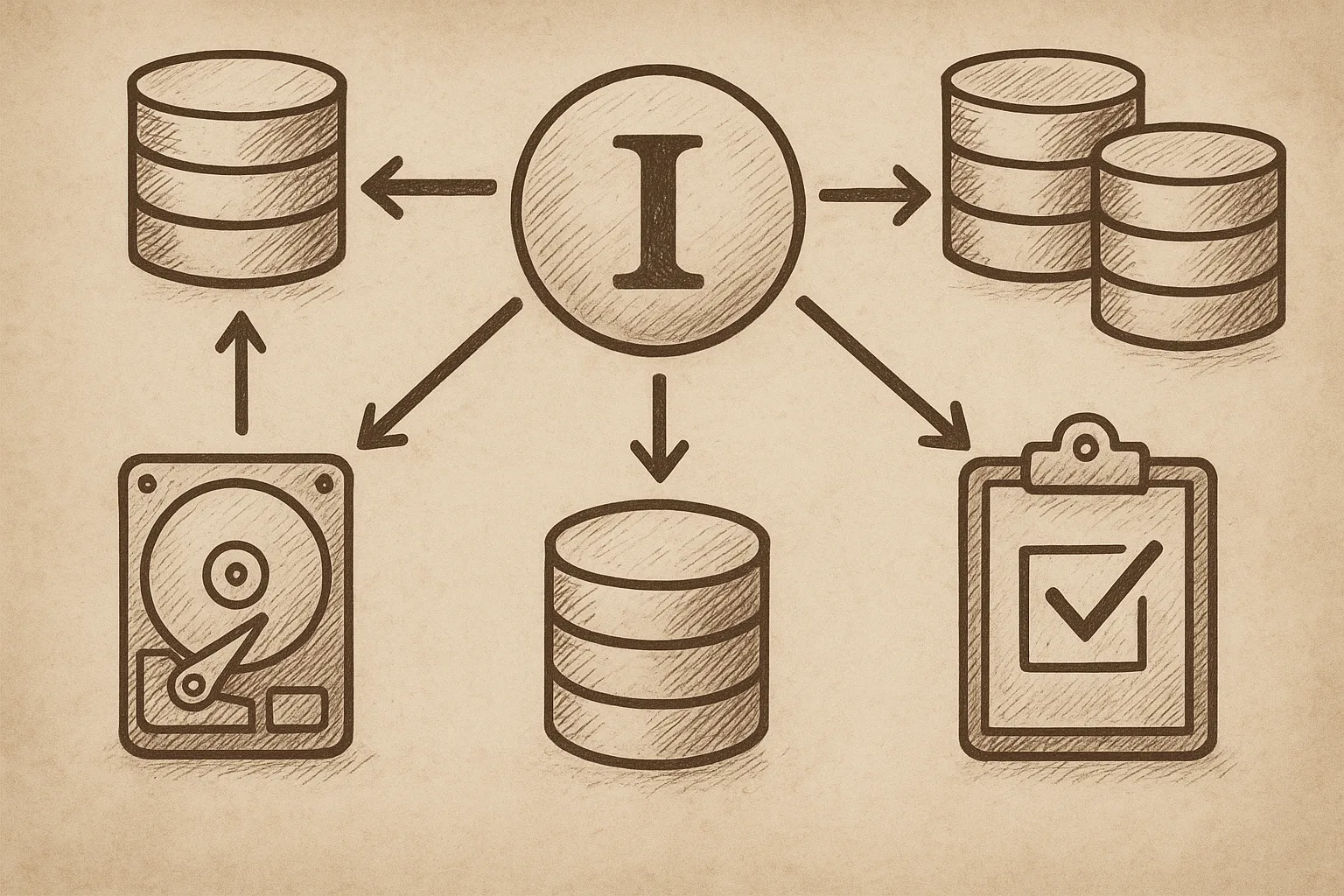
Disaster recovery for MySQL InnoDB Cluster is not just about replication and automatic failover. You need a clear plan, verified backups, and tested runbooks to survive real outages.
1. Define DR objectives for your InnoDB Cluster
Before touching configuration, define what you are protecting and how much loss you can accept.
- RPO (Recovery Point Objective): How many seconds of data loss are acceptable?
- RTO (Recovery Time Objective): How long can the application be down?
- Scope: Single data centre failure, region loss, operator error, data corruption, or all of these.
Typical patterns:
- RPO ≈ 0, RTO < 1 minute: multi-site InnoDB Cluster with synchronous or semi-synchronous links, plus backups.
- RPO up to a few minutes, RTO < 30 minutes: asynchronous DR replica in another site, plus backups.
- RPO > 15 minutes, RTO > 1 hour: periodic logical dumps or snapshot-based backups.
2. Understand your InnoDB Cluster topology
Disaster recovery planning depends on how your cluster is laid out. A simple reference topology:
Primary DC (site A)              DR DC (site B)
---------------------            ---------------------
[Primary]   [Secondary]   <--- async replication ---  [DR Replica]
[Secondary]

Router/Proxy --> InnoDB Cluster (site A) --> DR replica (site B)
Key questions:
- How many members are in the InnoDB Cluster? Which are read-write and read-only?
- Is there a dedicated asynchronous replica in a DR site?
- Are you using MySQL Router or another proxy that can switch traffic between sites?
- Is GTID enabled for all replication links?
3. Build a solid backup strategy
Replication is not a backup. You need consistent, restorable copies of data that survive operator mistakes and corruption.
3.1 Choose backup types
Use a mix of physical and logical backups:
- Physical backups (e.g. hot physical backup tools or filesystem snapshots) for fast, consistent restores of large datasets.
- Logical backups (
mysqldumpormysqlpump) for selective table recovery and cross-version migrations.
Example logical backup command (non-blocking, with GTID position):
mysqldump \
  --single-transaction \
  --master-data=2 \
  --routines --triggers --events \
  --all-databases \
  > /backups/mysql/full-$(date +%F).sql
On RHEL or Rocky Linux, ensure backups run as a dedicated OS user with minimal privileges, and that backup storage is not on the same physical disks as the database.
3.2 Backup scheduling and retention
- Take at least one full backup per day for critical systems.
- Retain multiple generations (e.g. 7 daily, 4 weekly, 3 monthly) to protect against late-detected corruption.
- Copy backups off-site (another DC or object storage) with encryption.
- Monitor backup duration, size, and success status.
3.3 Verify backups regularly
A backup that has never been restored is not a backup. Test restores on a separate host:
# Example: restore full backup to a test instance
mysql -u root -p < /backups/mysql/full-2025-12-01.sql
After restore, run checks:
- Verify all required schemas and tables exist.
- Run application-level smoke tests against the restored instance.
- Record restore times to validate RTO.
4. Design replication and GTID for DR
InnoDB Cluster typically uses Group Replication internally. For DR, you usually add an asynchronous replica in another site.
4.1 Enable GTID
Global Transaction Identifiers simplify failover and recovery. In my.cnf:
[mysqld]
server_id=1
log_bin=mysql-bin
binlog_format=ROW
gtid_mode=ON
enforce_gtid_consistency=ON
log_slave_updates=ON
binlog_expire_logs_seconds=604800   # 7 days, adjust to your RPO
Apply equivalent settings to all cluster members and DR replicas, with unique server_id values.
4.2 Configure DR replica
On the DR replica in site B, create a replication channel from the InnoDB Cluster primary in site A.
CHANGE REPLICATION SOURCE TO
  SOURCE_HOST='primary-site-a',
  SOURCE_PORT=3306,
  SOURCE_USER='repl',
  SOURCE_PASSWORD='********',
  SOURCE_AUTO_POSITION=1;

START REPLICA;
Monitor replication lag:
SHOW REPLICA STATUS\GTrack Seconds_Behind_Source and ensure it stays within your RPO. Alert if lag grows beyond thresholds.
5. Plan for common disaster scenarios
Document specific procedures for different failure types. At minimum, cover:
- Loss of a single InnoDB Cluster member.
- Total loss of the primary site while DR site is intact.
- Logical corruption or accidental deletion replicated to all nodes.
5.1 Single node failure
InnoDB Cluster can usually handle one node failure automatically. Your DR plan should still include:
- How to replace the failed node (new VM or host, bootstrap from backup or clone).
- How to rejoin the node to the cluster safely.
- Checks to confirm the cluster has quorum and is writable.
5.2 Primary site loss and DR promotion
When site A is lost but the DR replica in site B is up to date, you may promote the DR replica to primary.
-- On DR replica in site B
STOP REPLICA;
RESET REPLICA ALL;  -- WARNING: irreversible, removes replication config

-- Optionally, set read_only=OFF and super_read_only=OFF
SET GLOBAL super_read_only=OFF;
SET GLOBAL read_only=OFF;
Warning: Do not run RESET REPLICA ALL unless you are sure the original primary will not rejoin as primary. Otherwise, you risk split-brain.
Update MySQL Router or your proxy to direct traffic to site B. For example, in a proxy configuration file you might change upstream hostnames from site A to site B and reload the proxy service.
5.3 Logical corruption and point-in-time recovery
If bad data or a destructive query has replicated to all nodes, failover will not help. You need point-in-time recovery (PITR) from backup plus binary logs.
- Restore the last good full backup to a separate host.
- Collect all binary logs from backup time to just before the corruption.
- Replay binary logs up to a safe point using
mysqlbinlog.
mysqlbinlog \
  --start-position=<start_pos> \
  --stop-datetime='2025-12-18 10:32:00' \
  /var/lib/mysql/mysql-bin.000123 \
  | mysql -u root -p
Once the recovered instance is consistent, you can promote it and rebuild replication from it.
In disaster recovery, a well-rehearsed, documented runbook is far more valuable than a clever but untested design.
Operations principle
6. Runbooks and automation
Write step-by-step runbooks that an on-call engineer can follow under pressure. Include:
- How to identify the current primary and cluster status.
- How to fail over to another node or site.
- How to restore from backup and perform PITR.
- How to rebuild a failed node into the cluster.
- Contact points and escalation paths.
Automate where safe:
- Backup scheduling and verification.
- Replication health checks and alerting.
- Proxy configuration updates via scripts or configuration management.
7. Testing and validation
Schedule regular DR tests on RHEL or Rocky Linux hosts that mirror production as closely as possible.
- Simulate the loss of a cluster node and verify automatic recovery.
- Simulate total loss of site A (e.g. firewall block or shutdown of VMs) and execute DR promotion to site B.
- Time each step and compare against RTO.
- After tests, carefully restore the original topology and validate data consistency.
This article offers general technical guidance. Validate all configurations in a safe environment before applying them to production.
A robust disaster recovery plan for MySQL InnoDB Cluster combines clear RPO/RTO targets, reliable backups, carefully designed replication, and tested failover procedures. Keep your documentation current, rehearse end-to-end recovery regularly, and treat DR as an ongoing operational discipline rather than a one-time project.
Leave a Reply