
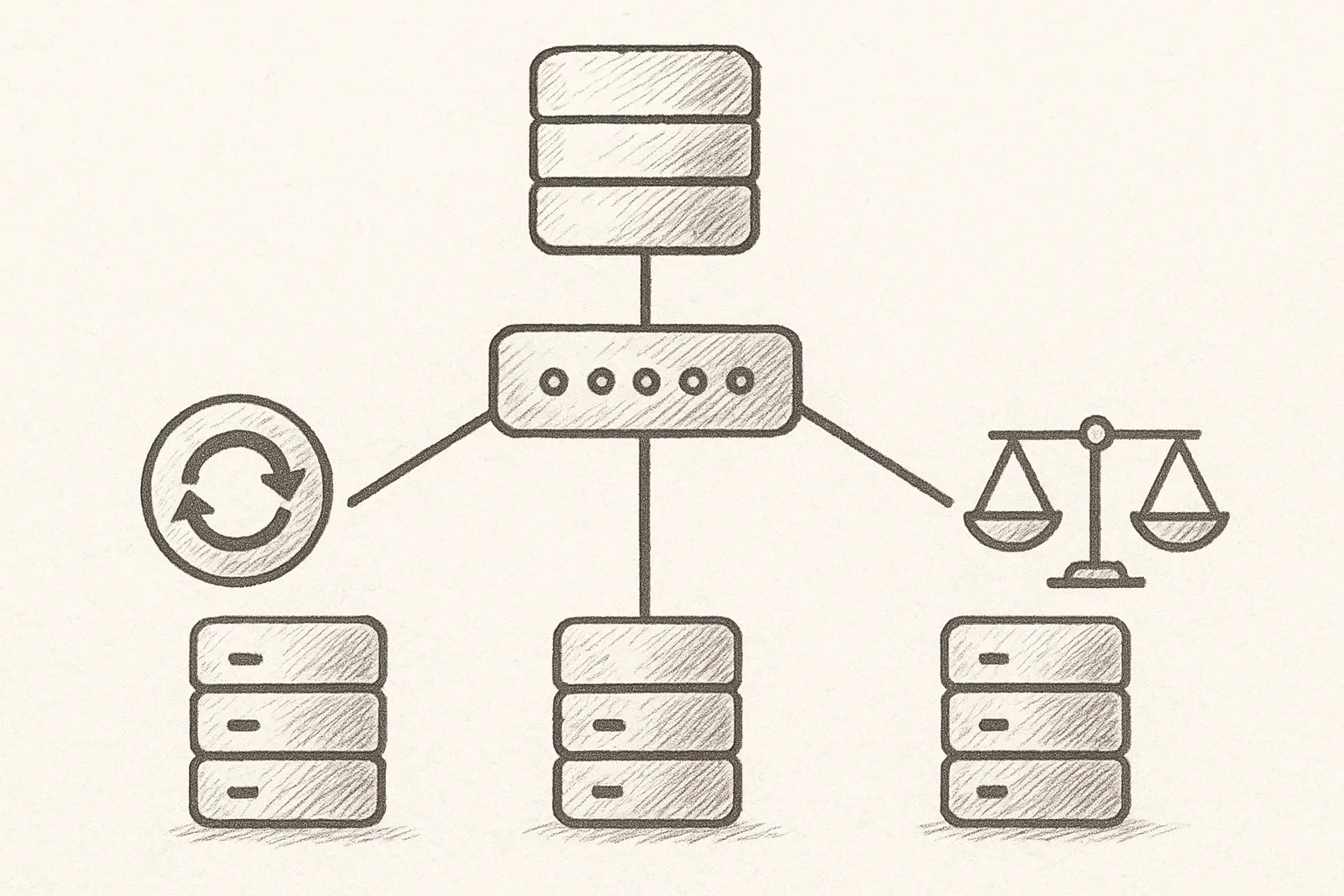
MySQL Router sits between your application and MySQL servers, giving you stable endpoints while it handles routing, read/write split, and failover. Used correctly, it can significantly improve application resilience without large code changes.
What MySQL Router Actually Does
MySQL Router is a lightweight TCP proxy aware of MySQL protocol and Group Replication metadata. It provides:
- Stable host:port for applications, even when primaries change
- Automatic routing to primary or replicas
- Basic read/write splitting
- Optional connection pooling and multiplexing
At a high level, the topology looks like this:
+-------------+        +----------------+        +---------------------+
| Application | ----> | MySQL Router   | ----> | MySQL InnoDB Cluster |
+-------------+        +----------------+        +---------------------+
Core Concepts for Resilience
To design for resilience, it helps to align on a few concepts:
- Primary vs secondary: In InnoDB Cluster or Group Replication, only the primary accepts writes.
- Routing modes: MySQL Router can route by role (primary/secondary) or to a fixed list of servers.
- Failover: Router reacts to changes in Group Replication metadata; applications keep using the same host:port.
- Statelessness: Router is designed to be stateless; you scale it horizontally and manage it like any other proxy.
Installing MySQL Router on RHEL/Rocky Linux
Place MySQL Router close to your applications (same AZ or rack) to minimise latency. On RHEL/Rocky Linux, installation is straightforward.
1. Add MySQL Yum repository
sudo rpm -Uvh https://repo.mysql.com/mysql80-community-release-el8.rpm
sudo yum module disable mysql -y
2. Install MySQL Router
sudo yum install -y mysql-router-community
3. Create a dedicated system user (optional but recommended)
sudo useradd -r -s /sbin/nologin mysqlrouter || true
Bootstrapping MySQL Router with InnoDB Cluster
The easiest way to configure MySQL Router is to bootstrap it against an existing InnoDB Cluster or Group Replication primary.
1. Prepare a routing user on the cluster
On one cluster node (typically the primary), create a user for Router to query metadata. Use least privilege:
CREATE USER 'router'@'%' IDENTIFIED BY 'strong_password_here';
GRANT SELECT ON mysql_innodb_cluster_metadata.* TO 'router'@'%';
FLUSH PRIVILEGES;
Warning: Use a strong password and restrict host patterns to your Router hosts in production.
2. Bootstrap Router
Run this on the host where Router is installed:
mysqlrouter --bootstrap router@cluster-primary-host:3306 \
  --directory /etc/mysqlrouter \
  --user mysqlrouter \
  --conf-use-sockets
You will be prompted for the password. After bootstrapping, Router generates a configuration file, typically /etc/mysqlrouter/mysqlrouter.conf, plus systemd unit files.
3. Review generated ports and sockets
By default, Router creates endpoints like:
- TCP primary RW port (e.g. 6446)
- TCP secondary RO port (e.g. 6447)
- Optional UNIX sockets if
--conf-use-socketswas used
Applications should connect to these Router endpoints instead of directly to MySQL nodes.
Understanding MySQL Router Configuration
The configuration is INI-style with sections. A simplified example:
[DEFAULT]
logging_folder=/var/log/mysqlrouter
runtime_folder=/var/run/mysqlrouter

[logger]
level = INFO

[routing:primary_rw]
bind_address = 0.0.0.0
bind_port = 6446
mode = read-write
destinations = metadata-cache://cluster/default?role=PRIMARY
protocol = classic

[routing:replica_ro]
bind_address = 0.0.0.0
bind_port = 6447
mode = read-only
destinations = metadata-cache://cluster/default?role=SECONDARY
protocol = classic
Key options
- mode:
read-writeorread-only. Determines which servers are eligible. - destinations: A metadata-cache URL that selects servers by role.
- protocol: Typically
classicfor normal MySQL connections. - bind_address/bind_port: Where applications connect.
Wiring Applications for Resilience
With Router in place, you can improve resilience by standardising connection strings and separating read and write traffic.
1. Use stable hostnames
Instead of embedding node hostnames, use DNS names pointing at Router instances:
mysql-rw.service.local:6446for writesmysql-ro.service.local:6447for reads
Behind these DNS entries you can have multiple Router instances for redundancy (e.g. round-robin A records or load balancers).
2. Application connection examples
Example JDBC URL for read-write traffic:
jdbc:mysql://mysql-rw.service.local:6446/mydb?useSSL=false&serverTimezone=UTC
Example for a read-only pool:
jdbc:mysql://mysql-ro.service.local:6447/mydb?useSSL=false&serverTimezone=UTC&readOnly=true
Most languages and ORMs only need the host and port changed from direct-node addresses to Router addresses.
How Router Handles Failover
When used with InnoDB Cluster or Group Replication, Router uses the metadata cache to discover which node is primary or secondary. On primary switch:
- Group Replication promotes a new primary.
- Metadata is updated in the cluster.
- Router refreshes metadata (periodically or on error).
- New connections go to the new primary.
Existing connections might see a transient error if they were pinned to the old primary. Your application should handle common transient errors (e.g. READ_ONLY, network reset) with retry logic where safe.
Design Router as a thin, replaceable layer: stateless, easy to redeploy, and never the single point of failure.
Resilience principle
Running MySQL Router in Production
1. Start and enable the service
sudo systemctl enable mysqlrouter
sudo systemctl start mysqlrouter
sudo systemctl status mysqlrouter
2. Basic health checks
From an application host, test connectivity:
mysql -h mysql-rw.service.local -P 6446 -u app_user -p -e "SELECT @@hostname, @@read_only;"
mysql -h mysql-ro.service.local -P 6447 -u app_user -p -e "SELECT @@hostname, @@read_only;"
Verify that @@read_only is 0 for RW and 1 for RO connections.
3. Logging and observability
Router logs are usually under /var/log/mysqlrouter. Monitor for:
- Connection errors or timeouts
- Frequent metadata refreshes or topology changes
- Authentication failures
Export basic metrics (connections, errors) through your system monitoring stack (e.g. scraping logs or wrapping Router with a sidecar exporter).
Best Practices for Resilient Designs
1. Multiple Router instances
Run at least two Router instances per environment and front them with:
- DNS round-robin, or
- A TCP load balancer (e.g. HAProxy, LVS, cloud load balancer)
If Router runs on application hosts, you can also use a local instance per host to avoid extra network hops.
2. Timeouts and retries
Configure conservative but realistic timeouts in application connection pools:
- Short connect timeout (e.g. a few seconds)
- Reasonable socket read/write timeout
- Limited retries with backoff for idempotent operations
Do not blindly retry non-idempotent writes; instead, handle them at the application or business-logic layer.
3. Plan for maintenance events
During planned failover or maintenance:
- Drain traffic from a node (e.g. set super_read_only).
- Wait for existing connections to finish.
- Perform maintenance.
- Return node to normal operation.
Router will automatically stop routing new connections to nodes marked as read-only or offline.
4. Configuration management
Manage mysqlrouter.conf through configuration management (Ansible, Puppet, etc.). Keep:
- Configuration in version control
- Bootstrap commands documented
- Standard port assignments across environments
Common Pitfalls and How to Avoid Them
- Single Router instance: Always deploy at least two instances and use DNS or a load balancer.
- Direct node connections lingering: Audit application configs and remove any direct connections to cluster nodes.
- Ignoring read-only endpoint: Use the RO endpoint for analytics, reporting, and other safe read-heavy workloads.
- Insufficient monitoring: Alert on Router process down, port unreachable, and abnormal error rates.
This article offers general technical guidance. Validate all configurations in a safe environment before applying them to production.
Used as a thin, stateless proxy in front of your InnoDB-based clusters, MySQL Router can significantly improve application resilience. By standardising connection endpoints, separating read and write traffic, and deploying multiple Router instances with proper monitoring, you reduce failover complexity and keep MySQL topology changes transparent to your applications.
Leave a Reply