
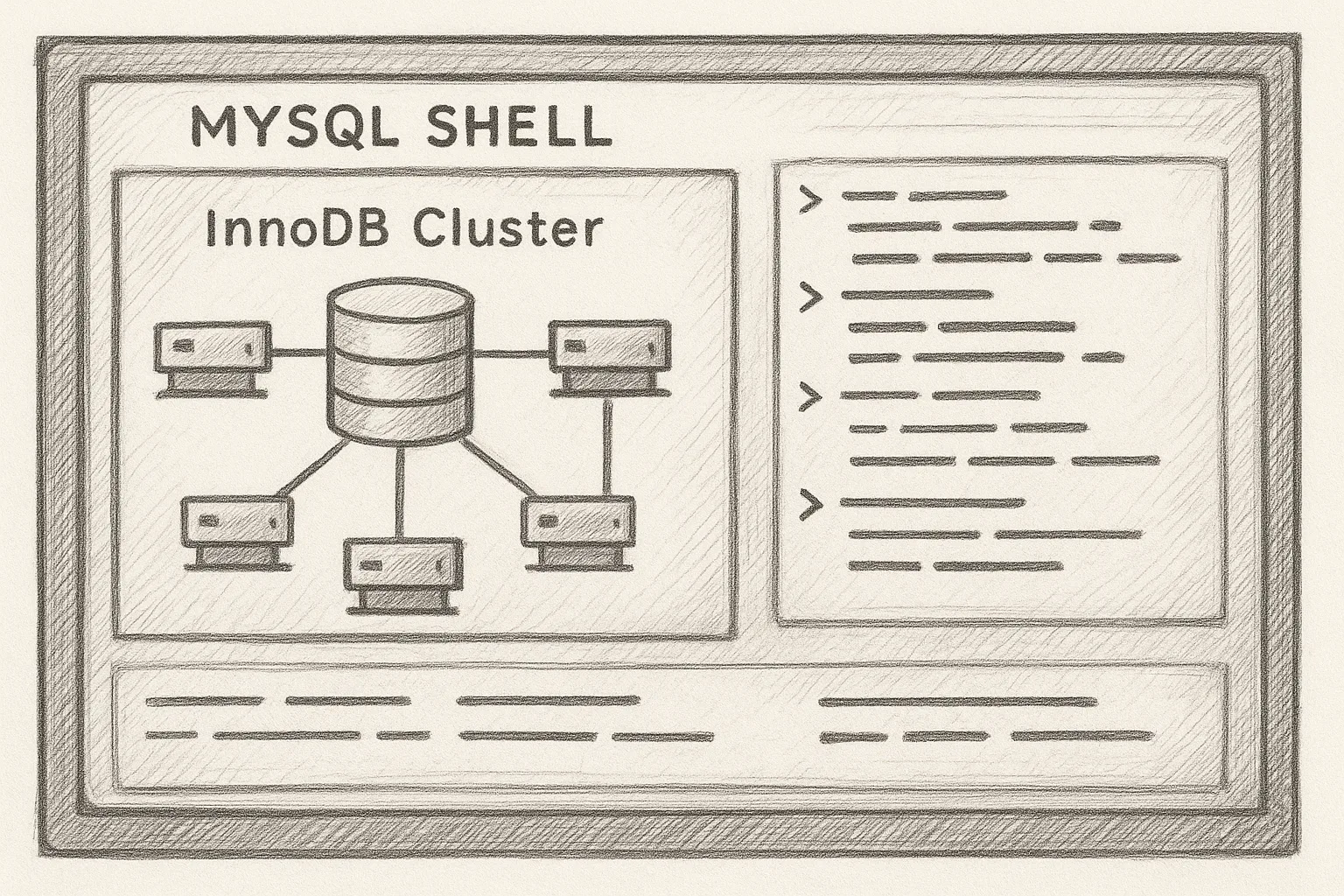
MySQL Shell’s AdminAPI provides a declarative, scriptable way to deploy and manage an InnoDB Cluster without hand-crafting replication commands. This article walks through a practical workflow using AdminAPI to build and operate a small highly available MySQL setup.
Concepts: InnoDB Cluster and AdminAPI
An InnoDB Cluster is a group of MySQL instances using Group Replication for high availability, optionally fronted by MySQL Router. AdminAPI is the set of JavaScript and Python functions in MySQL Shell (e.g. cluster.createCluster()) that manage cluster lifecycle.
A typical three-node InnoDB Cluster looks like this:
           +--------------------+
           |    Applications    |
           +---------+----------+
                     |
               +-----v------+
               | MySQL      |
               | Router(s)  |
               +-----+------+
                     |
      +--------------+---------------+
      |              |               |
+-----v-----+  +-----v-----+   +-----v-----+
| MySQL #1  |  | MySQL #2  |   | MySQL #3  |
| (Primary) |  | (Replica) |   | (Replica) |
+-----------+  +-----------+   +-----------+
Prerequisites and Environment
Assume three MySQL instances (for example on Rocky Linux or RHEL) running on:
- db1:
192.168.10.11 - db2:
192.168.10.12 - db3:
192.168.10.13
Each node should have:
- Same MySQL major version.
- InnoDB as default storage engine.
- Group Replication ports open between nodes (TCP 3306 plus replication ports).
- A common admin user with sufficient privileges (often
rootor a dedicated account).
Install MySQL Shell on at least one host (ideally all):
sudo dnf install mysql-shellStep 1: Prepare MySQL Instances
AdminAPI expects instances to be configured for Group Replication. You can either hand-tune my.cnf or let AdminAPI perform instance configuration.
On each server, ensure basic settings in /etc/my.cnf (or an included file):
[mysqld]
server_id=11              # Use unique ID per node
log_bin=binlog
binlog_format=ROW
transaction_write_set_extraction=XXHASH64
innodb_flush_log_at_trx_commit=1
sync_binlog=1

# Recommended for Group Replication
gtid_mode=ON
enforce_gtid_consistency=ON
binlog_checksum=NONE
log_slave_updates=ON
master_info_repository=TABLE
relay_log_info_repository=TABLE

# Networking
bind-address=0.0.0.0
Restart MySQL after changes:
sudo systemctl restart mysqldStep 2: Connect with MySQL Shell
Use MySQL Shell in JavaScript mode (default) to run AdminAPI commands. From any host:
mysqlsh [email protected]:3306Switch to JavaScript mode if needed:
\jsCheck the server:
shell.status()Step 3: Configure Instances with AdminAPI
AdminAPI can validate and configure each instance for InnoDB Cluster. This is safer than manually editing every parameter.
3.1 Create an AdminAPI variable
var dba = require('dba');3.2 Configure the first instance
On db1:
dba.configureInstance('[email protected]:3306');Follow the prompts. AdminAPI will check GTID, binary logging, and Group Replication settings, and propose changes. Review carefully before accepting. It may ask for a restart; apply it when safe.
3.3 Configure the remaining instances
Repeat for db2 and db3 (from any host with connectivity):
dba.configureInstance('[email protected]:3306');
dba.configureInstance('[email protected]:3306');
Step 4: Create and Bootstrap the InnoDB Cluster
4.1 Create the cluster on the first instance
Connect MySQL Shell to db1 and run:
var cluster = dba.createCluster('prodCluster');By default this uses single-primary mode (one writable primary, others read-only). You can explicitly specify:
var cluster = dba.createCluster('prodCluster', {"multiPrimary": false});4.2 Add instances to the cluster
Still on db1 in MySQL Shell:
cluster.addInstance('[email protected]:3306');
cluster.addInstance('[email protected]:3306');
AdminAPI will verify state, configure Group Replication channels, and join the nodes. It may suggest cloning data if the new instance is empty.
4.3 Verify cluster status
cluster.status();You should see all three instances ONLINE. If an instance is RECOVERING or OFFLINE, inspect its error log and network connectivity.
Step 5: Integrate MySQL Router
MySQL Router provides a stable endpoint for applications while hiding node changes. Install it (for example on an application host or all DB nodes):
sudo dnf install mysql-routerBootstrap Router against the cluster:
mysqlrouter --bootstrap [email protected]:3306 \
  --directory /var/lib/mysqlrouter \
  --user mysqlrouter
Router will create configuration with read-write and read-only ports. Point applications at the Router’s read-write port instead of a specific MySQL server.
Day-2 Operations with AdminAPI
Once the cluster is running, AdminAPI remains useful for day-to-day management.
6.1 Checking health
From any node:
mysqlsh [email protected]:3306
var dba = require('dba');
var cluster = dba.getCluster('prodCluster');
cluster.status();
Look for:
- All members ONLINE.
- Consistent
memberRolevalues (PRIMARY vs SECONDARY). - No error messages about transactions being rejected.
6.2 Adding a new replica
To scale reads, add another instance (db4) prepared similarly to others:
dba.configureInstance('[email protected]:3306');
cluster.addInstance('[email protected]:3306');
AdminAPI can automatically clone data from an existing node if the instance is empty, which is simpler than manual backups and restores.
6.3 Removing a member
To remove a node cleanly (for decommissioning or maintenance):
cluster.removeInstance('[email protected]:3306');Always remove via AdminAPI rather than just shutting down the server, to keep cluster metadata consistent.
6.4 Switchover and failover
In single-primary mode, you may want to change which node is primary for maintenance.
Planned switchover:
cluster.setPrimaryInstance('[email protected]:3306');For unplanned failures, if the current primary is down and automatic failover is enabled, AdminAPI will promote another member. After recovering the failed node, rejoin it using:
cluster.rejoinInstance('[email protected]:3306');Use AdminAPI for all structural changes to an InnoDB Cluster; avoid mixing manual Group Replication commands with AdminAPI-managed clusters.
Operational best practice
Backup and Recovery Considerations
AdminAPI does not replace proper backup tooling. For production, use physical backups (for example, MySQL Enterprise Backup or Percona XtraBackup) taken from a non-primary node to reduce impact.
Basic logical backup from a secondary (for smaller datasets):
mysqldump -h 192.168.10.12 -u backup -p \
  --single-transaction --routines --events \
  --databases appdb > appdb.sql
When restoring, you typically rebuild one node from backup, then let AdminAPI re-clone others if needed.
Security and Configuration Best Practices
- Use dedicated accounts for AdminAPI operations, not application users.
- Enable TLS for client connections and Group Replication channels where possible.
- Keep all cluster nodes on the same patch level and OS tuning profile.
- Monitor cluster health via
cluster.status()and external monitoring (Prometheus, etc.). - Test failover and recovery procedures regularly in a staging environment.
This article offers general technical guidance. Validate all configurations in a safe environment before applying them to production.
Using MySQL Shell AdminAPI to manage an InnoDB Cluster gives you a predictable, scriptable way to build and operate highly available MySQL. Start with a small three-node cluster, automate routine checks with cluster.status(), and integrate Router so applications can stay oblivious to node changes.
Leave a Reply