
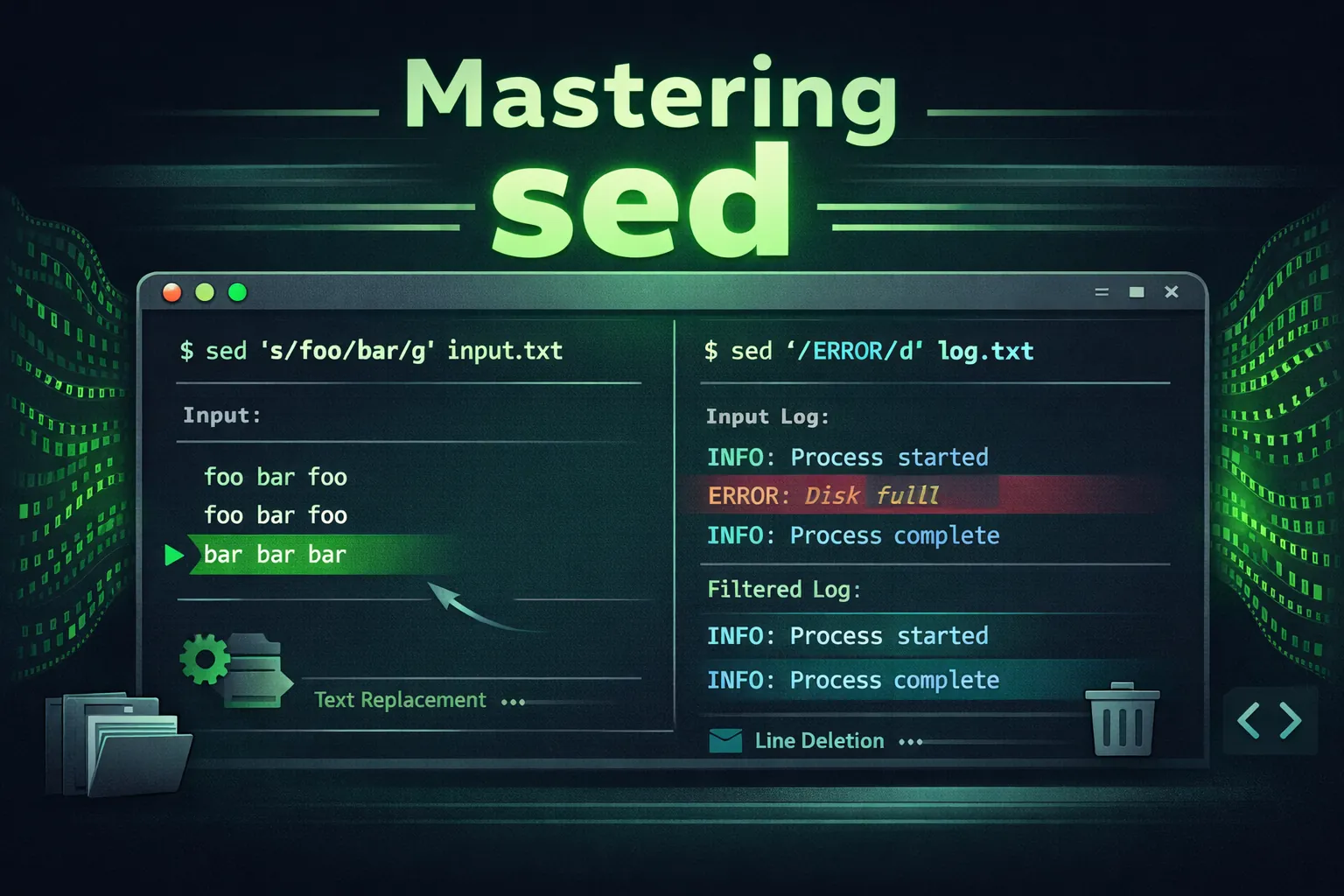
Table of Contents
- Introduction to sed
- Understanding sed Syntax
- Basic Text Substitution and Deletion
- Addressing and Range Patterns
- Regular Expressions and Pattern Matching
- Substitution Flags and Options
- In-Place Editing and Backups
- Multiple Commands and Scripts
- Advanced Transformations and Branching
- Real-World Use Cases
- Debugging and Best Practices
- Glossary & References
1. Introduction to sed
sed (short for “stream editor”) is one of the oldest and most powerful Unix text processing utilities. It reads text streams, applies transformations using commands and patterns, and outputs the result — all without opening an interactive editor.
echo "Hello World" | sed 's/World/Linux/'
Output:
Hello Linux
Unlike editors like vim or nano, sed operates non-interactively, making it perfect for scripting, automation, and batch text manipulation.
2. Understanding sed Syntax
The general syntax of sed is:
sed [options] 'command' file(s)
command: The sed instruction (e.g.s/pattern/replacement/)[options]: Flags that modify sed’s behavior (e.g.-i,-n)file(s): Input files or standard input
Common sed Options
| Option | Description |
|---|---|
-n | Suppress automatic printing (useful when using p explicitly) |
-i | Edit files in place (overwrites the file) |
-e | Specify multiple commands inline |
-f scriptfile | Read commands from an external sed script file |
3. Basic Text Substitution and Deletion
Substitution Command: s///
The most common sed operation replaces matching text with another string:
sed 's/foo/bar/' file.txtReplaces the first occurrence of foo with bar on each line.
Example:
Input:
foo bar foo

Command:
sed 's/foo/test/'

Output:
test bar foo
To replace all occurrences on each line, add the g flag:
sed 's/foo/test/g'
Output:
test bar test
Deleting Lines
sed '/pattern/d' file.txtThis deletes all lines containing pattern.
Input:
apple
banana
grape

Command:
sed '/banana/d'

Output:
apple
grape
4. Addressing and Range Patterns
sed allows applying commands to specific lines or ranges using addresses.
By Line Number
sed '1,3d' file.txtDeletes lines 1 to 3.
By Pattern
sed '/start/,/end/d' file.txtDeletes all lines between (and including) “start” and “end”.
Specific Line Editing
sed '5s/old/new/' file.txtReplaces text only on line 5.
5. Regular Expressions and Pattern Matching
sed uses basic regular expressions (BRE) by default, with optional extended regex (-E or -r).
Basic Example:
echo "cat bat rat" | sed 's/[br]at/dog/g'
Output:
cat dog dog
Extended Example:
echo "Item123" | sed -E 's/Item[0-9]+/Product/'
Output:
Product
6. Substitution Flags and Options
| Flag | Meaning |
|---|---|
g | Global — replace all matches in the line |
p | Print modified lines |
i | Case-insensitive matching |
w file | Write matched lines to file |
Example: Case-Insensitive Replacement
echo "HELLO hello" | sed 's/hello/hi/gi'
Output:
hi hi
Example: Write Matches to File
sed -n '/ERROR/p; /ERROR/w errors.txt' log.txt7. In-Place Editing and Backups
sed -i 's/localhost/127.0.0.1/g' config.txtThis edits the file directly without creating a new file.
With Backup:
sed -i.bak 's/foo/bar/g' data.txtCreates a backup file named data.txt.bak.
8. Multiple Commands and Scripts
sed -e 's/foo/bar/' -e 's/baz/qux/' file.txtApplies multiple commands sequentially.
Using a Script File:
# commands.sed
s/foo/bar/
s/old/new/

Run:
sed -f commands.sed input.txt
9. Advanced Transformations and Branching
Hold and Pattern Space
sed operates using two buffers: the pattern space and the hold space.
sed -e '/BEGIN/h' -e '/END/{x; p; x}' file.txtThis example uses the hold buffer to temporarily store and restore text.
Branching and Flow Control
:start
/skip/ b end
s/foo/bar/
:end
Labels (:start) and branches (b) make sed behave like a small programming language.
10. Real-World Use Cases
1. Remove Blank Lines
sed '/^$/d' file.txt2. Insert Line After Match
sed '/pattern/a\New line added' file.txt3. Replace Tabs with Spaces
sed 's/\t/ /g' file.txt4. Number All Lines
sed = file.txt | sed 'N; s/\n/ /'5. Comment All Lines in Config
sed 's/^/#/' config.txt6. Extract Between Two Patterns
sed -n '/BEGIN/,/END/p' data.txt11. Debugging and Best Practices
- Always test with
sed -nbefore using-ito avoid overwriting files. - Quote your sed expressions properly — especially with regex containing
$and\. - Use extended regex with
-Efor more readable patterns. - Keep reusable transformations in
.sedscripts. - For large edits, chain sed with awk or grep for filtering.
12. Glossary & References
- Pattern space: The current line being processed.
- Hold space: Temporary storage buffer.
- Address: A selector for which lines to apply commands to.
- BRE/ERE: Basic/Extended Regular Expressions.
- Flags: Modifiers appended to sed commands.