
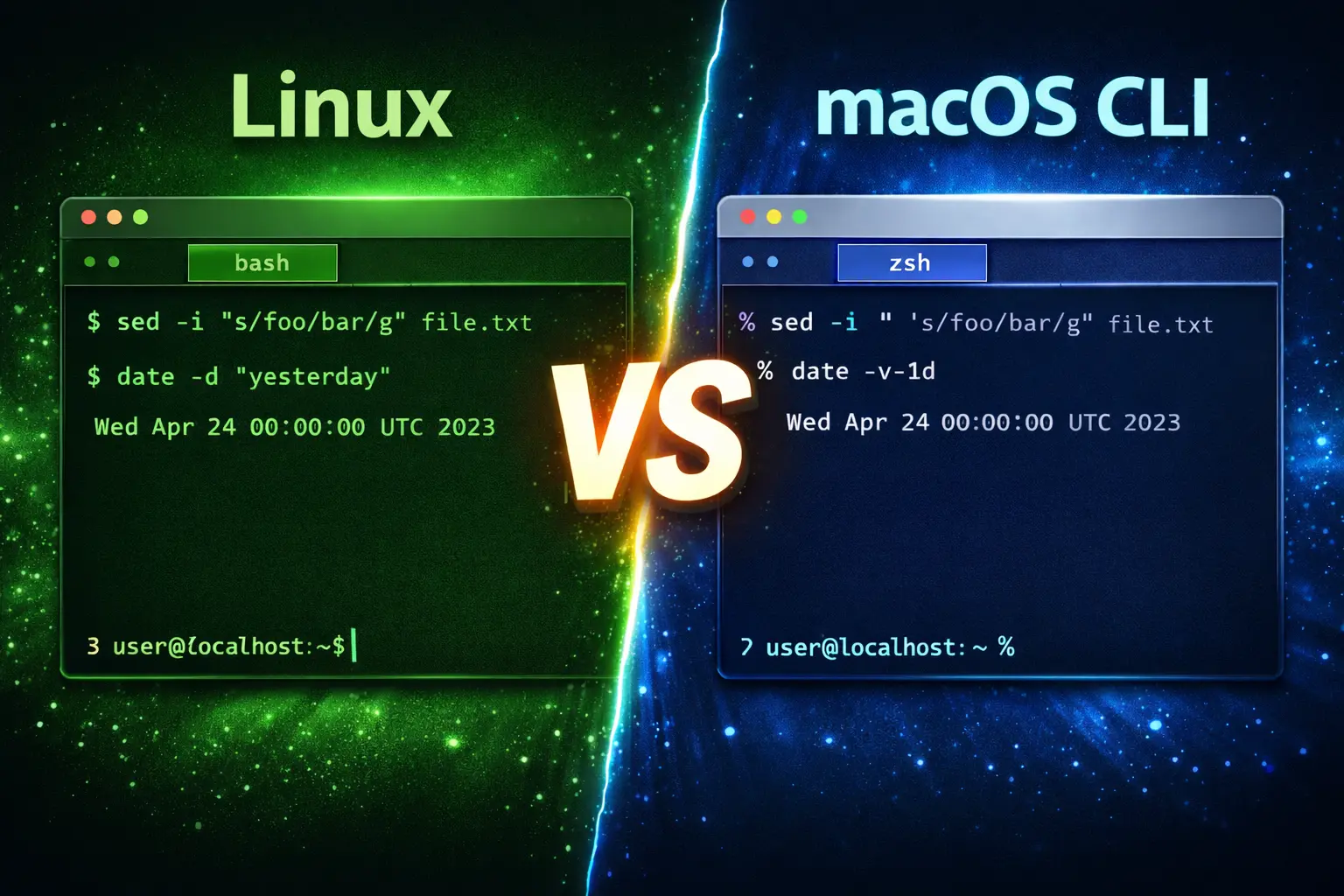
Linux and macOS may both be Unix-based, but under the hood they differ significantly. Linux distributions use GNU coreutils while macOS uses BSD userland tools. These differences lead to subtle syntax mismatches in everyday commands — sometimes breaking scripts or confusing users moving between systems. This guide provides a comprehensive reference with real examples for each.
⚙️ 1. Environment Overview
| Aspect | Linux | macOS |
|---|---|---|
| Base System | GNU/Linux | BSD (Darwin) |
| Default Shell | Bash / Zsh | Zsh (since Catalina) |
| Core Utilities | GNU coreutils | BSD utilities |
| Package Manager | apt / yum / dnf | Homebrew |
🧩 2. sed — Stream Editor
# Linux (GNU sed)
sed -i 's/foo/bar/g' file.txt

# macOS (BSD sed)
sed -i '' 's/foo/bar/g' file.txt
Note: BSD sed requires an argument after -i for a backup extension. Use '' for no backup. Install GNU sed via Homebrew (brew install gnu-sed) to use the Linux syntax (gsed).
🕓 3. date — Working with Time
# Linux
date -d "yesterday"
# Output: Sun Jan 20 13:45:00 UTC 2026

# macOS
date -v-1d
# Output: Sun Jan 20 13:45:00 UTC 2026
Explanation: macOS replaces -d with -v for relative time shifts.
🔍 4. find — Searching Files
# Linux
find . -iname "*.txt" -mtime -2

# macOS (Extended Regex requires -E)
find . -E -iname "*.txt" -mtime -2
macOS find supports BSD regular expressions; use -E for extended patterns.
🧠 5. grep — Pattern Searching
# Linux (supports Perl regex)
grep -P "regex" file.txt

# macOS (no -P option)
grep -E "regex" file.txt
Tip: Install GNU grep (brew install grep) and use ggrep for Linux-like regex support.
📂 6. ls — Listing Files
# Linux
ls --color=auto

# macOS
ls -G
Explanation: macOS uses -G instead of --color.
📊 7. du and df — Disk Usage
# Linux
du -h --max-depth=1

# macOS
du -hd 1
df command:
# Linux
df -hT

# macOS
df -h
BSD df does not support the -T option for filesystem types.
📋 8. ps — Process Listing
# Linux
ps -eo pid,comm,%mem,%cpu --sort=-%cpu

# macOS
ps -eo pid,comm,%mem,%cpu | sort -k4 -r
Bash sorting flags differ; BSD ps lacks --sort.
📜 9. head and tail
# Linux
head -n 20 file.txt

# macOS
head -20 file.txt
macOS accepts a shorthand format without -n.
📁 10. stat — File Info
# Linux
stat file.txt
# Output:
# File: file.txt
# Size: 2048 Bytes

# macOS
stat -x file.txt
# Output:
# File: "file.txt"
# Size: 2048 bytes
BSD stat requires -x for human-readable output.
🔐 11. md5sum and sha256sum
# Linux
md5sum file.txt
sha256sum file.txt

# macOS
md5 file.txt
shasum -a 256 file.txt
BSD separates these commands into different tools.
📦 12. tar — Archiving
# Linux
tar -czvf archive.tar.gz folder/

# macOS
tar -czf archive.tar.gz folder/
The -v flag is optional in BSD tar (for verbose output).
⏱️ 13. timeout
# Linux
timeout 5s command

# macOS
gtimeout 5s command  # From coreutils
macOS lacks a native timeout command.
📍 14. readlink / realpath
# Linux
readlink -f file.txt

# macOS
realpath file.txt
BSD readlink does not support -f (canonicalization).
📑 15. sort and uniq
# Linux
sort -u file.txt

# macOS
sort file.txt | uniq
BSD sort lacks -u for unique filtering.
🧮 16. xargs
# Linux
find . -type f -print0 | xargs -0 rm -f

# macOS
find . -type f -print0 | xargs -0 rm -f
Both support null-separated input; however, BSD xargs lacks -d for custom delimiters.
⚡ 17. Installing GNU Coreutils on macOS
brew install coreutils gnu-sed gawk grep findutils gnu-tar

# Add GNU path
echo 'export PATH="/usr/local/opt/coreutils/libexec/gnubin:$PATH"' >> ~/.zshrc
After installing, use GNU versions (gsed, ggrep, etc.) or prepend the gnubin path.
🧭 18. Quick Reference Table
| Command | Linux (GNU) | macOS (BSD) | Notes |
|---|---|---|---|
| sed | sed -i ‘s/x/y/’ | sed -i ” ‘s/x/y/’ | Requires empty string |
| date | date -d ‘yesterday’ | date -v-1d | Different flags |
| grep | grep -P pattern | grep -E pattern | macOS lacks -P |
| ls | ls –color=auto | ls -G | Color flag differs |
| stat | stat file | stat -x file | Output format |
| timeout | timeout | gtimeout | GNU only |
| readlink | readlink -f | realpath | No -f support |
| du | du -h –max-depth=1 | du -hd 1 | Different depth flag |
| md5sum | md5sum | md5 | Different command |
🎯 Conclusion
Most command-line tools on macOS behave similarly to Linux, but subtle BSD vs GNU differences can cause errors in scripts or automation. Installing GNU tools via Homebrew ensures full compatibility. Whether you’re a developer or sysadmin, knowing these distinctions helps you write portable shell scripts and troubleshoot more efficiently.
Tip: Always check man command or use --help to confirm flag compatibility across systems.