
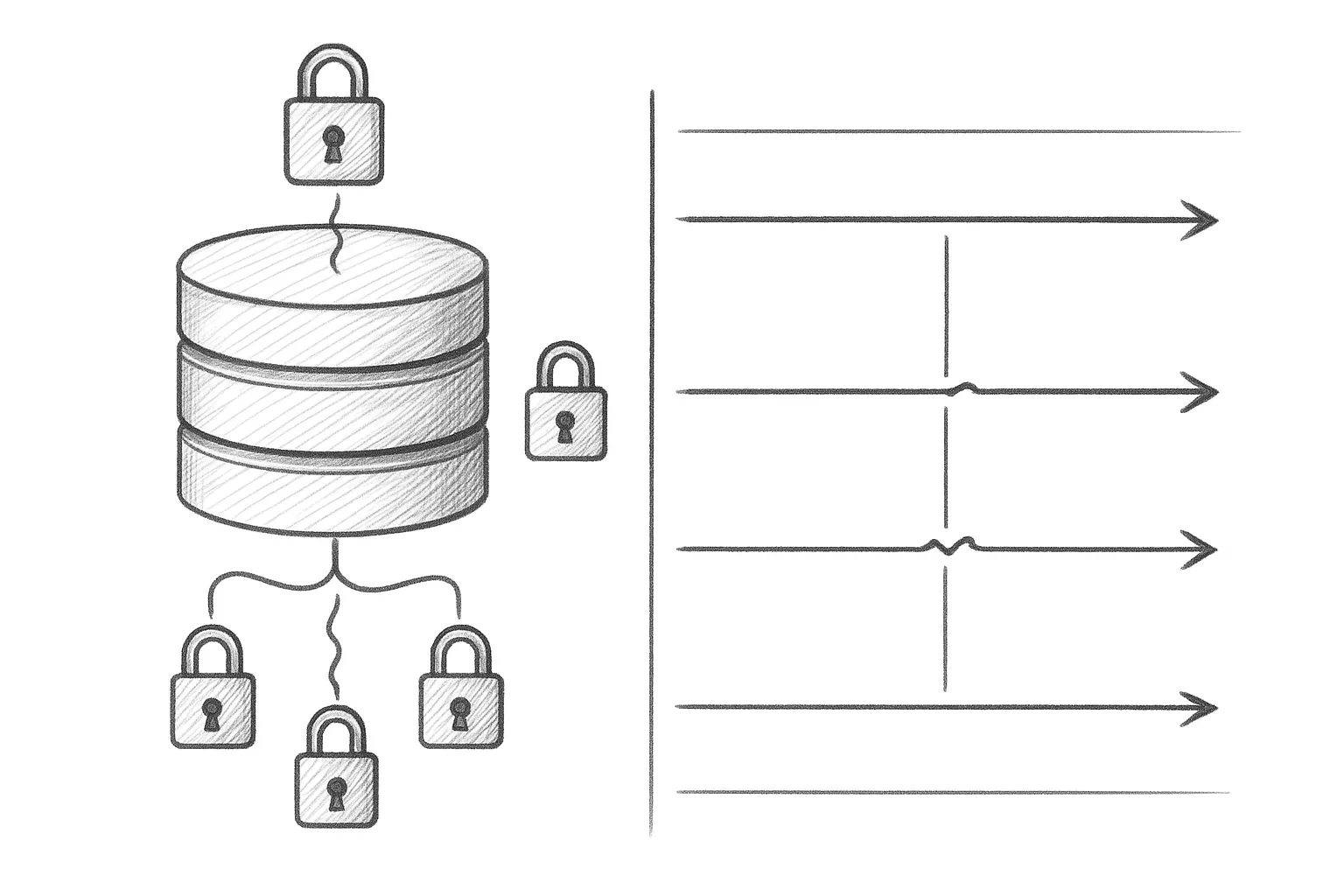
InnoDB’s MVCC and locking model underpins almost every MySQL workload. Understanding how it works helps you debug blocking, tune performance, and avoid subtle consistency bugs.
This article walks through how InnoDB stores row versions, how transactions see data, and what locks are actually taken under common isolation levels. Examples assume a Linux host (RHEL/Rocky) and default InnoDB settings unless stated otherwise.
1. MVCC in InnoDB: what it actually means
MVCC (Multi-Version Concurrency Control) lets readers and writers proceed concurrently without blocking each other in most cases.
At a high level:
- Each row has hidden system columns: a creation transaction ID, a deletion transaction ID, and a rollback pointer.
- Updates are stored as new versions; old versions are kept in the undo log.
- Each transaction sees a consistent snapshot based on its own snapshot information.
Conceptually, for a single row over time:
Time ───>

┌─────────────┬─────────────┬─────────────┐
│  Version 1  │  Version 2  │  Version 3  │
│ (trx_id=10) │ (trx_id=20) │ (trx_id=30) │
└─────────────┴─────────────┴─────────────┘

Transaction with snapshot at trx_id=15 sees Version 1.
Transaction with snapshot at trx_id=25 sees Version 2.
Transaction with snapshot at trx_id=35 sees Version 3.
MVCC is implemented using:
- Undo logs in the system tablespace or separate undo tablespaces.
- Read views, which define which transaction IDs are visible.
- Background purge, which removes old row versions when no transaction can see them.
2. Isolation levels and what you actually see
InnoDB supports the standard isolation levels, but behaviour is often misunderstood. You can check the current level with:
SHOW VARIABLES LIKE 'tx_isolation';  -- older
SHOW VARIABLES LIKE 'transaction_isolation';  -- newer
2.1 READ COMMITTED
- Each statement gets its own fresh snapshot.
- Non-repeatable reads are possible; you may see different values in two SELECTs in the same transaction.
- Gap locking is mostly disabled for plain SELECT … FOR UPDATE/LOCK IN SHARE MODE.
Use when you prioritise concurrency and can tolerate re-reading changed data.
2.2 REPEATABLE READ (InnoDB default)
- First
SELECTin a transaction creates a read view. - All subsequent consistent reads use that same snapshot.
- Prevents non-repeatable reads and phantom reads for consistent reads, but locking reads can still see phantoms in some cases.
This is usually a safe default for OLTP. Understand that long-running transactions keep old versions alive, increasing undo and buffer pool pressure.
2.3 READ UNCOMMITTED and SERIALIZABLE
- READ UNCOMMITTED allows dirty reads. Rarely appropriate.
- SERIALIZABLE adds locking around reads, often causing more blocking; use only when required.
3. Row locks, gap locks, and next-key locks
InnoDB uses several lock types to enforce isolation:
- Record locks: Lock a single index record.
- Gap locks: Lock the gap between index records.
- Next-key locks: Combination of record lock + gap lock.
Visualising a simple index:
Index on column id:

┌─────┬─────┬─────┬─────┬─────┐
│gap  │ 10  │gap  │ 20  │gap  │
└─────┴─────┴─────┴─────┴─────┘

Record lock:     id=10 or id=20
Gap lock:        (gap before 10), (10,20), (after 20)
Next-key lock:   gap + record, e.g. (10,20] or (-∞,10]
Under REPEATABLE READ, many locking reads and foreign key checks use next-key locks to prevent phantom rows and maintain consistency.
4. Step-by-step example: two transactions interacting
Consider a simple table:
CREATE TABLE accounts (
  id          BIGINT PRIMARY KEY,
  balance     DECIMAL(18,2) NOT NULL,
  status      VARCHAR(16) NOT NULL,
  KEY status_idx (status)
) ENGINE=InnoDB;
4.1 Setup
INSERT INTO accounts (id, balance, status) VALUES
  (1, 100.00, 'open'),
  (2, 200.00, 'open');
4.2 Concurrent transactions
Session A:
SET SESSION TRANSACTION ISOLATION LEVEL REPEATABLE READ;
START TRANSACTION;

SELECT balance FROM accounts WHERE id = 1;  -- returns 100.00
Session B:
SET SESSION TRANSACTION ISOLATION LEVEL REPEATABLE READ;
START TRANSACTION;

UPDATE accounts
   SET balance = balance + 50
 WHERE id = 1;  -- acquires record lock on id=1

COMMIT;         -- makes new version visible
Back to Session A:
SELECT balance FROM accounts WHERE id = 1; -- still returns 100.00Session A continues to see the original snapshot due to MVCC. No blocking occurs, because Session A is doing a consistent read, not a locking read.
If Session A instead runs:
SELECT balance FROM accounts
  WHERE id = 1
  FOR UPDATE;  -- locking read
This will block until Session B commits or rolls back, because both want an exclusive lock on the same record.
5. Inspecting locks and blocked queries
When you suspect locking issues, start with:
INFORMATION_SCHEMA.INNODB_TRXINFORMATION_SCHEMA.INNODB_LOCKS(older versions)INFORMATION_SCHEMA.INNODB_LOCK_WAITS(older versions)- Performance Schema tables such as
events_statements_current
Example to see active transactions:
SELECT trx_id, trx_state, trx_started, trx_query
  FROM INFORMATION_SCHEMA.INNODB_TRX
 ORDER BY trx_started;
To identify blocking relationships (older versions):
SELECT w.requesting_trx_id   AS waiting_trx,
       w.blocking_trx_id     AS blocking_trx,
       r.trx_query           AS waiting_query,
       b.trx_query           AS blocking_query
  FROM INFORMATION_SCHEMA.INNODB_LOCK_WAITS w
  JOIN INFORMATION_SCHEMA.INNODB_TRX r
    ON w.requesting_trx_id = r.trx_id
  JOIN INFORMATION_SCHEMA.INNODB_TRX b
    ON w.blocking_trx_id = b.trx_id;
For deadlocks, enable the InnoDB monitor or inspect the error log. On RHEL/Rocky with a default layout:
sudo grep -i deadlock /var/log/mysqld.log6. Practical tuning and best practices
6.1 Keep transactions short
- Avoid long-running interactive transactions; they keep old versions alive and increase contention.
- Commit as soon as the logical unit of work is complete.
- Avoid holding transactions open while waiting on external services.
Application pattern to avoid:
BEGIN;
SELECT ...;         -- user thinks
UPDATE ...;         -- minutes later
COMMIT;
6.2 Use the right isolation level
- Use REPEATABLE READ for OLTP when you need stable reads within a transaction.
- Consider READ COMMITTED for high-concurrency systems where phantoms/non-repeatable reads are acceptable.
- Set at session level for specific workloads rather than globally when possible.
Example:
SET SESSION TRANSACTION ISOLATION LEVEL READ COMMITTED;
START TRANSACTION;
-- business logic here
COMMIT;
6.3 Use appropriate locking reads
SELECT ... FOR UPDATEwhen you plan to update the selected rows.SELECT ... LOCK IN SHARE MODEwhen you only need to ensure the row is not modified until commit.- Do not overuse locking reads for reporting queries; they will block writers unnecessarily.
Example of a safe transfer pattern:
START TRANSACTION;

SELECT balance FROM accounts
  WHERE id = 1
  FOR UPDATE;

SELECT balance FROM accounts
  WHERE id = 2
  FOR UPDATE;

-- perform checks, then update both
UPDATE accounts SET balance = balance - 50 WHERE id = 1;
UPDATE accounts SET balance = balance + 50 WHERE id = 2;

COMMIT;
6.4 Indexing to reduce lock scope
- Without a suitable index, InnoDB must scan more rows, taking more locks.
- Always index columns used in equality or range predicates in hot transactional tables.
- Consider composite indexes that match your typical WHERE clauses.
Example: if you often update by (status, id):
CREATE INDEX accounts_status_id_idx
    ON accounts (status, id);
This narrows the locked range and reduces contention.
6.5 Avoid unnecessary locking by design
- Prefer idempotent operations and upserts where possible.
- Avoid “select-then-insert” races; use
INSERT ... ON DUPLICATE KEY UPDATEor unique constraints. - Use application-side retry logic for deadlocks; they are expected in high-concurrency systems.
7. Monitoring MVCC overhead
MVCC relies on undo logs and background purge. If purge lags, your undo history grows and queries slow down.
Useful checks:
SHOW ENGINE INNODB STATUS\G– look at the HISTORY list length.- Monitor long-running transactions via
INFORMATION_SCHEMA.INNODB_TRX. - Watch tablespace size for undo tablespaces if configured.
On RHEL/Rocky, you can periodically capture InnoDB status:
mysql -e "SHOW ENGINE INNODB STATUS\G" > /tmp/innodb_status_$(date +%F_%H%M).logInvestigate if the history list length continually grows and never returns to a small baseline; that usually indicates long-lived transactions or an overloaded purge thread.
8. Summary
MVCC and locking are central to how InnoDB delivers both consistency and concurrency. By understanding snapshots, lock types, and isolation levels, you can reason about blocking behaviour, design safer transaction flows, and tune for predictable performance. Keep transactions short, index for your access patterns, monitor long-running transactions, and choose the lowest isolation level that still meets your correctness requirements.
This article offers general technical guidance. Validate all configurations in a safe environment before applying them to production.
Leave a Reply