
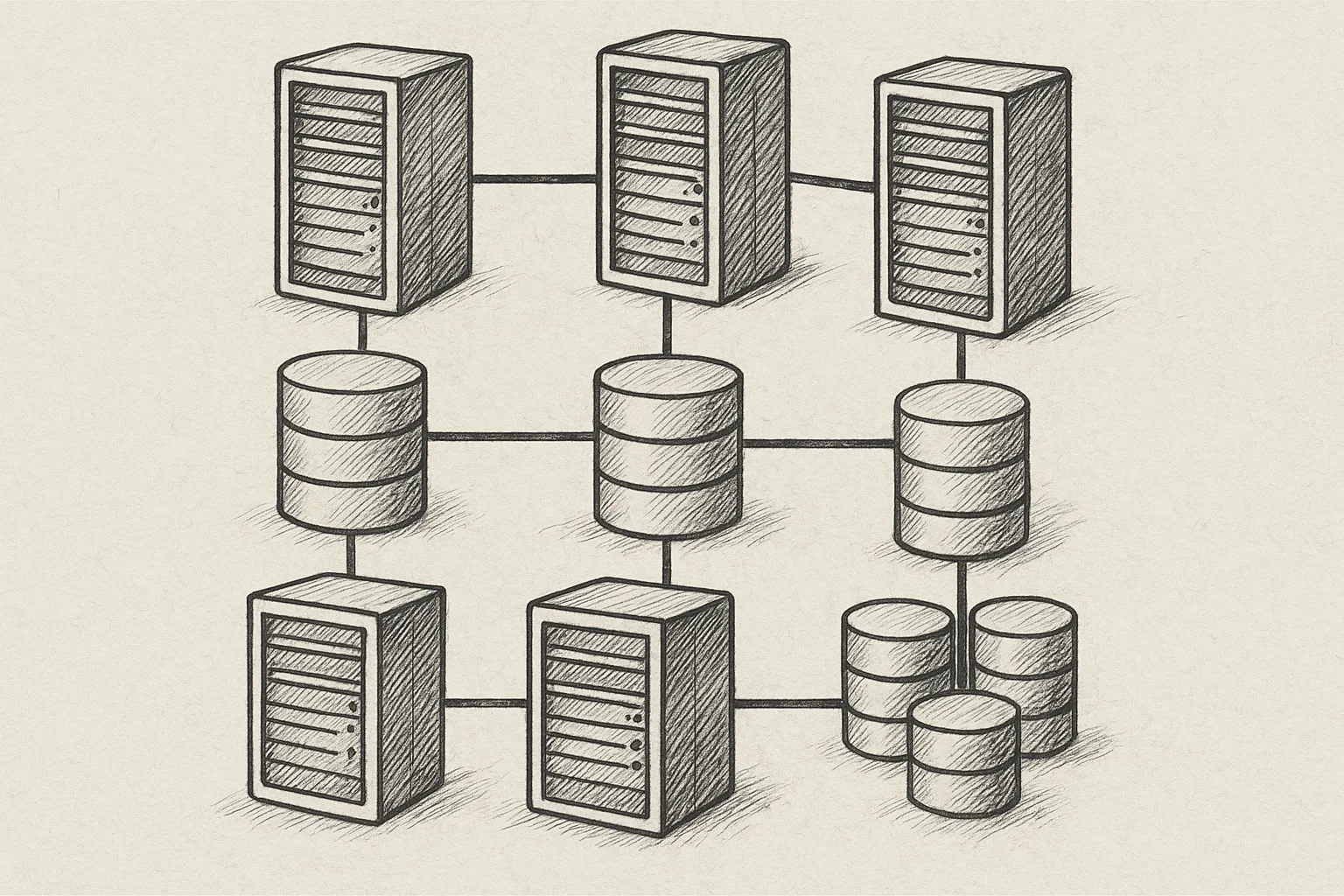
MySQL offers two very different clustering technologies that are often confused: InnoDB Cluster and MySQL NDB Cluster. Both provide high availability, but their architectures, guarantees and operational models are not interchangeable.
This article focuses on practical differences so you can choose and operate the right option for your workloads.
1. High-level architectures
1.1 InnoDB Cluster (InnoDB + Group Replication)
InnoDB Cluster is built on standard MySQL Server with:
- InnoDB as the storage engine
- Group Replication for synchronous replication
- MySQL Router for connection routing
- Optionally MySQL Shell for cluster management
┌───────────────────────────────────────────────┐
│                 Application                   │
└───────────────┬───────────────────────────────┘
                │ (MySQL Router)
┌───────────────┴──────────────┬───────────────┐
│       MySQL Server #1        │  PRIMARY      │
│       InnoDB + GR            │  (R/W)        │
├──────────────────────────────┼───────────────┤
│       MySQL Server #2        │  SECONDARY    │
│       InnoDB + GR            │  (R/O)        │
├──────────────────────────────┼───────────────┤
│       MySQL Server #3        │  SECONDARY    │
│       InnoDB + GR            │  (R/O)        │
└──────────────────────────────┴───────────────┘
Data is fully replicated on each node. Each server is a regular MySQL instance, easy to manage and compatible with most MySQL tooling.
1.2 MySQL NDB Cluster (NDB storage engine)
MySQL NDB Cluster is a distributed, shared-nothing database with multiple node types:
- Data nodes (ndbd/ndbmtd) hold data in memory and on disk
- Management node (ndb_mgmd) manages configuration
- SQL nodes (mysqld with NDB engine) provide SQL access
          ┌───────────────────────────┐
          │        Application        │
          └─────────────┬─────────────┘
                        │
        ┌───────────────┴───────────────┐
        │           SQL Nodes           │
        │     mysqld + NDB engine       │
        └───────────────┬───────────────┘
                        │ (NDB API)
        ┌───────────────┴───────────────┐
        │          Data Nodes           │
        │     ndbd / ndbmtd pairs       │
        └───────────────┬───────────────┘
                        │
               ┌────────┴────────┐
               │  Management     │
               │   ndb_mgmd      │
               └─────────────────┘
Data is partitioned across data nodes with synchronous replication between node groups.
2. Core design differences
2.1 Data model and storage
- InnoDB Cluster
- Same InnoDB engine you already use
- Row-based replication, full copy on each node
- Disk-based storage; buffer pool caching
- Supports foreign keys, transactions, most MySQL features
- NDB Cluster
- NDB engine with distributed, partitioned data
- Data primarily in memory; optional disk data
- Limited feature set vs InnoDB (e.g. foreign keys support is more constrained, some ALTER operations are different/expensive)
- Requires schema design tuned for distribution (primary key choice is critical)
2.2 Consistency and replication
- InnoDB Cluster
- Group Replication uses consensus (multi-primary or single-primary)
- Writes are synchronously replicated to a majority of nodes
- Strong consistency on committed data
- Network partitions handled via quorum; minority side stops writes
- NDB Cluster
- Replication inside the cluster is synchronous between data nodes
- Transactions can span partitions but with stricter limits
- Very fast failover at the data-node level
- Cross-site replication typically uses asynchronous NDB-to-NDB replication
3. Typical use cases
3.1 When InnoDB Cluster fits best
- General OLTP workloads already using InnoDB
- Web applications needing HA and read scaling
- Systems needing full SQL feature set and compatibility
- Teams with MySQL experience but limited distributed-systems expertise
InnoDB Cluster is usually the default choice for most MySQL-based applications that need automatic failover and simple topology.
3.2 When NDB Cluster fits best
- Telecom/real-time systems with strict availability SLAs
- Very high write throughput with predictable latency
- Use cases needing in-memory, sharded storage with automatic failover
- Scenarios where application can be adapted to NDB constraints
NDB Cluster is a specialised technology. It shines when you design your schema and access patterns specifically for NDB.
4. Operational complexity
4.1 Node types and management
- InnoDB Cluster
- All nodes are MySQL servers; one may be primary
- Management via MySQL Shell or SQL
- MySQL Router handles routing to primary/replicas
- Fewer moving parts; easier for small teams
- NDB Cluster
- Separate roles: management, data, SQL nodes
- Requires understanding of ndb_mgmd, ndbd/ndbmtd, mysqld
- Configuration via
config.iniand my.cnf; more parameters - Higher operational overhead but fine-grained control
4.2 Deployment on RHEL/Rocky Linux (high-level)
On RHEL/Rocky Linux, the basic patterns look like this:
InnoDB Cluster (simplified):
# Install MySQL server and shell
sudo dnf install mysql-server mysql-shell

# Start and enable mysqld
sudo systemctl enable --now mysqld

# In MySQL Shell (JS mode), create cluster
var db = shell.connect('root@node1');
var cluster = dba.createCluster('prodCluster');
cluster.addInstance('root@node2');
cluster.addInstance('root@node3');
NDB Cluster (simplified):
# Install NDB packages (names may vary by repo)
sudo dnf install mysql-server mysql-ndb-cluster

# Configure /etc/my.cnf for SQL nodes to load NDB
[mysqld]
ndbcluster
ndb-connectstring=mgm1.example.com

# Configure /var/lib/mysql-cluster/config.ini on management node
[NDBD DEFAULT]
NoOfReplicas=2
DataMemory=2G
IndexMemory=512M

[NDB_MGMD]
HostName=mgm1.example.com

[NDBD]
HostName=data1.example.com

[NDBD]
HostName=data2.example.com

[MYSQLD]
HostName=sql1.example.com
Both examples are oversimplified and must be adapted for production (firewalling, users, TLS, resource sizing, etc.).
5. Performance characteristics
5.1 InnoDB Cluster performance
- Write performance limited by synchronous replication to majority
- Read scaling by adding more secondary nodes
- Good for mixed read/write OLTP with moderate latency requirements
- Latency sensitive to network RTT between nodes
Best practices:
- Keep cluster nodes in the same low-latency LAN for primary writes
- Use single-primary mode for simpler consistency semantics
- Tune InnoDB (buffer pool, log file size) as for standalone MySQL
- Monitor replication lag and flow control metrics
5.2 NDB Cluster performance
- Designed for high throughput and predictable latency
- Data partitioning enables horizontal write scaling
- Most efficient with primary key lookups and simple joins
- Complex joins and large scans can be expensive
Best practices:
- Design primary keys to support main access patterns
- Avoid large cross-partition joins; denormalise when appropriate
- Size DataMemory and IndexMemory carefully; monitor usage
- Use multiple data-node processes or threads to exploit CPU cores
6. Schema and feature considerations
6.1 InnoDB Cluster schema
- Almost any existing InnoDB schema works with minimal changes
- Foreign keys, triggers, stored procedures are supported
- Online DDL available for many operations (with caveats)
- Binary logging and backup tools behave as in standalone setups
6.2 NDB Cluster schema
- Tables must use
ENGINE=NDBto be part of the cluster - Some InnoDB features are missing or behave differently
- DDL operations can be more restrictive; plan carefully
- Large BLOB/TEXT columns have special handling and performance impact
Always check the official NDB documentation before assuming an InnoDB feature exists or behaves the same way in NDB.
7. Choosing between InnoDB Cluster and NDB Cluster
Use this simplified decision guide:
Need general-purpose SQL with full InnoDB features?
  └─> InnoDB Cluster

Need extreme availability and in-memory, sharded data store,
and can adapt schema & queries?
  └─> NDB Cluster

Team new to distributed databases, wants minimal change
from standalone MySQL?
  └─> InnoDB Cluster

Telecom/real-time style workload with strict SLAs,
short transactions, key lookups?
  └─> NDB Cluster
8. Practical best practices
8.1 Common best practices for both
- Use at least three fault domains (nodes or node groups) where possible
- Separate data, management, and application networks if feasible
- Automate deployment and configuration (Ansible, Terraform, etc.)
- Implement consistent backup and recovery procedures
- Monitor health (latency, node status, memory, disk, flow control)
8.2 InnoDB Cluster-specific
- Prefer single-primary mode unless you fully understand multi-primary conflicts
- Use MySQL Router for automatic routing and failover
- Keep node versions and configurations aligned
- Test failover and switchover regularly in a staging environment
8.3 NDB Cluster-specific
- Design schema and queries with partitioning in mind from day one
- Keep management and data nodes off the same physical host where possible
- Validate
config.inichanges in a test cluster before production - Use NDB-specific monitoring tools and commands (e.g.
ndb_mgm)
9. Conclusion
InnoDB Cluster and MySQL NDB Cluster solve different problems. InnoDB Cluster extends familiar InnoDB into a highly available, strongly consistent cluster suitable for most OLTP applications. NDB Cluster is a specialised, distributed database for workloads that justify its operational complexity and constraints.
Choosing the right technology starts with workload analysis, not feature checklists. Evaluate consistency needs, latency tolerance, operational skills, and schema flexibility before committing to either approach.
This article offers general technical guidance. Validate all configurations in a safe environment before applying them to production.
Leave a Reply