
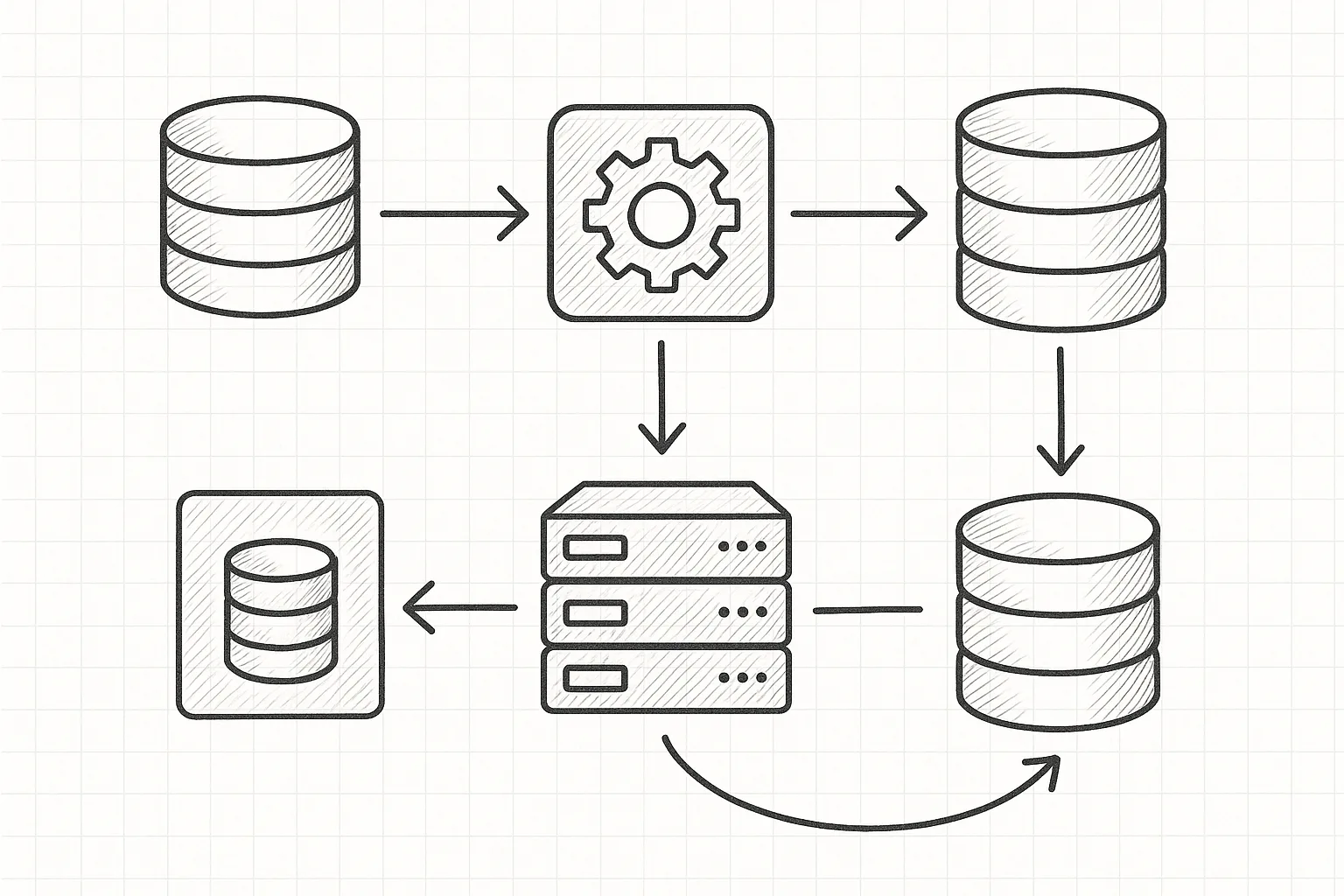
This guide walks through migrating a single standalone MySQL/InnoDB server into an InnoDB Cluster, focusing on safe steps, minimal downtime, and clear rollback paths.
1. Prerequisites and Planning
Before touching production, clarify the target architecture and constraints. InnoDB Cluster is built on Group Replication and typically uses three or more MySQL instances.
1.1 Target architecture
A common layout is three data nodes and optional MySQL Router instances for the application:
+-------------+      +------------------+
|  App Tier  |----> | MySQL Router(s)  |
+-------------+      +------------------+
                             |
          +------------------+------------------+
          |                  |                  |
   +-------------+    +-------------+    +-------------+
   | MySQL Node1 |    | MySQL Node2 |    | MySQL Node3 |
   | (Primary)   |    | (Replica)   |    | (Replica)   |
   +-------------+    +-------------+    +-------------+
Plan for at least three nodes on separate hosts or VMs to tolerate failures.
1.2 Version and engine requirements
- All nodes must run compatible MySQL versions and support Group Replication.
- All replicated tables must use InnoDB. Plan to convert MyISAM or other engines.
- Consistent character sets and collations across nodes.
1.3 Network and OS assumptions
- RHEL or Rocky Linux on all nodes.
- Stable, low-latency network between nodes.
- Proper DNS or /etc/hosts entries for all instances.
2. Prepare the Existing Standalone Server
Start with a clean, consistent standalone instance. Fix problems before clustering; Group Replication will amplify configuration issues.
2.1 Confirm InnoDB and data consistency
mysql> SHOW ENGINE INNODB STATUS\G
mysql> CHECK TABLE some_table EXTENDED;
Resolve any reported corruption or errors before proceeding.
2.2 Convert non-InnoDB tables
Group Replication only replicates transactional tables. Convert key MyISAM tables to InnoDB first. This alters table definitions; test on a copy before production.
mysql> ALTER TABLE legacy_table ENGINE = InnoDB;
For many tables, script the conversion and run it during a maintenance window.
2.3 Review primary keys and foreign keys
- Every replicated table should have a proper primary key.
- Avoid duplicate or conflicting foreign key definitions between schemas.
- Clean up orphaned rows and invalid references.
2.4 Take a verified backup
Before any structural change, take a full backup and verify it can be restored on a test host.
# Logical backup example
mysqldump --single-transaction --routines --triggers \
  -u backup -p --all-databases > /backups/pre-cluster.sql

# Or physical backup with xtrabackup (example)
innobackupex --user=backup --password=*** /backups/pre-cluster-full
Keep this backup until the cluster is stable in production.
3. Provision New Nodes
Prepare additional MySQL instances that will join the cluster. You can reuse the existing standalone server as the first node.
3.1 Install MySQL on RHEL/Rocky Linux
On each new node, install the MySQL server from your chosen repository:
sudo yum install -y mysql-server
sudo systemctl enable mysqld
sudo systemctl start mysqld
Secure each instance (root password, basic hardening) before exposing it.
3.2 Base my.cnf for cluster nodes
Use a consistent baseline configuration on all nodes, adjusting only host-specific values such as server_id and IP addresses.
[mysqld]
server_id = 101
log_bin = binlog
binlog_format = ROW
innodb_flush_log_at_trx_commit = 1
sync_binlog = 1

# Required for Group Replication
transaction_write_set_extraction = XXHASH64
gtid_mode = ON
enforce_gtid_consistency = ON
binlog_checksum = NONE
log_slave_updates = ON

# Networking
bind-address = 0.0.0.0
Restart MySQL after editing my.cnf:
sudo systemctl restart mysqld
4. Move Data from Standalone to First Cluster Node
The safest approach is to treat the standalone as the data source and build the first cluster node from a fresh copy.
4.1 Choose migration strategy
- Cold migration: stop the standalone, take a backup, restore to node1, start cluster. Simple but requires longer downtime.
- Logical replication: use binlog-based replication from standalone to node1, then cut over. Less downtime, more moving parts.
A common pattern for moderate downtime is:
- Take a consistent backup from standalone while online.
- Restore to node1.
- Start replication from standalone to node1.
- At cutover, stop writes to standalone, catch up node1, then switch applications.
4.2 Example: logical backup and restore
# On standalone
mysqldump --single-transaction --routines --triggers \
  --master-data=2 --all-databases > /backups/cluster-seed.sql

# Copy to node1
scp /backups/cluster-seed.sql node1:/backups/

# On node1
mysql < /backups/cluster-seed.sql
If using replication to catch up, configure node1 as a replica of the standalone, then stop replication at cutover.
5. Enable Group Replication on the First Node
Once node1 has the data, you initialise the InnoDB Cluster. This node will bootstrap the group.
5.1 Configure Group Replication variables
Edit my.cnf on node1 and add:
[mysqld]
# Group Replication
loose-group_replication_group_name = "aaaaaaaa-bbbb-cccc-dddd-eeeeeeeeeeee"
loose-group_replication_start_on_boot = OFF
loose-group_replication_local_address = "node1:33061"
loose-group_replication_group_seeds = "node1:33061,node2:33061,node3:33061"
loose-group_replication_bootstrap_group = OFF
loose-group_replication_single_primary_mode = ON
loose-group_replication_enforce_update_everywhere_checks = OFF
Restart MySQL on node1:
sudo systemctl restart mysqld
5.2 Initialise via MySQL Shell (recommended)
Use MySQL Shell to create the cluster. On an admin host:
mysqlsh root@node1:3306

# In JS mode
var dba = require('dba');
var cluster = dba.createCluster('prodCluster');
This command will configure Group Replication on node1 and start the group with a single member.
Keep the first node clean and well-documented. Later troubleshooting is much easier when the bootstrap node follows a clear, repeatable configuration pattern.
Operational best practice
6. Add Additional Nodes to the Cluster
With the cluster created on node1, you now add node2 and node3 and let the cluster clone data automatically.
6.1 Prepare node2 and node3
Ensure MySQL is installed, my.cnf is configured similarly to node1, and the instances are empty or disposable.
# Example differing server_id on node2 and node3
server_id = 102  # node2
server_id = 103  # node3
6.2 Add instances using MySQL Shell
From MySQL Shell connected to node1:
mysqlsh root@node1:3306

var cluster = dba.getCluster('prodCluster');
cluster.addInstance('root@node2:3306');
cluster.addInstance('root@node3:3306');
By default, the cluster will use clone or incremental state transfer to bring the new nodes in sync with node1. Monitor progress with:
cluster.status();
7. Cut Over Applications to the InnoDB Cluster
Once all nodes are joined and synchronised, you can switch application traffic from the original standalone to the new cluster.
7.1 Install and configure MySQL Router
On each application host or on dedicated router hosts:
sudo yum install -y mysql-router
mysqlrouter --bootstrap root@node1:3306 --directory /var/lib/mysqlrouter
sudo systemctl enable mysqlrouter
sudo systemctl start mysqlrouter
MySQL Router will create ports for read-write and read-only endpoints. Point applications to the router instead of directly to node1.
7.2 Cutover sequence
- Announce a short maintenance window.
- Stop all application writes to the old standalone.
- Ensure node1 (cluster primary) is fully caught up if using replication.
- Reconfigure application connection strings to use MySQL Router.
- Start applications and validate behaviour.
- Keep the old standalone read-only for a while as a fallback, then decommission.
8. Post-Migration Validation and Best Practices
After cutover, validate that the cluster is healthy and that operational procedures are updated.
8.1 Health checks
- Check cluster status regularly:
mysqlsh root@node1:3306 -e "dba.getCluster('prodCluster').status()"
- Confirm that all nodes are ONLINE and that there is exactly one primary in single-primary mode.
- Monitor error logs on all nodes for Group Replication warnings.
8.2 Operational best practices
- Use consistent configuration management for my.cnf across nodes.
- Automate MySQL and OS patching with rolling restarts.
- Test failover scenarios regularly (planned primary switch, node loss).
- Keep backups independent of the cluster (e.g. physical backups from a replica).
8.3 Common pitfalls
- Mismatched my.cnf options between nodes leading to join failures.
- Non-InnoDB or non-transactional tables silently not replicating.
- Application assumptions about single-host semantics (e.g. relying on connection-local session state) breaking in a clustered environment.
This article offers general technical guidance. Validate all configurations in a safe environment before applying them to production.
By carefully planning, seeding a clean first node, and using MySQL Shell to manage Group Replication, you can migrate a standalone MySQL server to an InnoDB Cluster with controlled risk, minimal downtime, and a clearer path to high availability.
Leave a Reply